Contact Centre Remote Agent Setup Jamaica: Tools, Policies, and Pitfalls to Avoid
Remote work changed how Jamaican contact centres operate. What began as an emergency response in earlier years has become a permanent fixture — and in 2026, a growing number of Jamaican BPOs, financial services firms, and customer service teams have agents handling calls from home in Kingston, Portmore, Spanish Town, and beyond.
The challenge is not convincing managers to allow it. The challenge is doing it correctly. A poorly configured remote agent setup produces dropped calls, audio quality complaints, agents who disappear from the queue without anyone noticing, and customer data leaving the building on personal devices. This guide covers the tools, policies, and decisions that matter before you activate your first remote queue.
What "Remote Agent" Actually Means on a Cloud PBX
A remote agent is simply a contact centre extension that registers from outside the office network. On a cloud PBX like WOCOM's, this is a first-class configuration — the SIP extension does not care whether it is connecting from an office LAN or a home broadband line. What changes is the environment: you lose the controlled wired network, the IT team nearby, and the visual supervision that an on-site floor provides.
Your cloud PBX assigns the agent an extension. That extension points to a softphone app on their laptop or an IP handset at their home desk. When a call arrives in the queue, it routes to their extension exactly as it would on-site. The queue manager sees them as available or busy on the same wallboard. The difference is entirely in what happens between the extension and the internet.
Hardware and Headset Requirements
The single biggest source of remote agent audio quality complaints in Jamaica is the wrong headset. Laptop built-in microphones pick up background noise — ceiling fans, traffic on Constant Spring Road, a television two rooms away. Wireless Bluetooth headsets introduce latency and dropout at the worst moments. The correct answer for contact centre voice work is a wired USB or RJ9 headset connected directly to the workstation.
- USB headsets (Jabra, Plantronics, Logitech) are the easiest to configure and work reliably with all major softphone clients.
- RJ9 headsets plug into a physical IP handset if the agent uses a desk phone rather than a softphone app.
- Avoid Bluetooth headsets for primary voice work — audio compression and battery variables are impossible to diagnose remotely.
- Noise-cancelling microphones are strongly preferred. Most USB headsets in the J$4,000–J$12,000 range include them.
On the workstation side, the agent needs a machine dedicated to call handling — not the shared family computer. A minimum of 8 GB RAM with a recent browser or installed softphone client is sufficient. Laptops are fine. Tablets are not recommended for multi-queue contact centre work.
Network Requirements for Home-Based Agents
VoIP is sensitive to three network conditions: bandwidth, jitter, and packet loss. In a home environment in Jamaica, the risks differ from the office:
- Bandwidth: A single active voice call uses roughly 100 Kbps with the G.711 codec standard on Jamaican SIP trunks. The real problem is contention — a household running streaming, video calls, and gaming alongside a contact centre agent will degrade call quality unless traffic is prioritised.
- Jitter: Cable internet in Jamaica can exhibit significant jitter during peak household hours. A router with QoS enabled can mark SIP traffic as high priority and stabilise the experience.
- Upload speed: This matters as much as download. Require a minimum of 5 Mbps upload on the agent's home plan. Most residential plans available across Jamaica in 2026 meet this, but verify before provisioning.
A wired Ethernet connection from the agent's router to their workstation eliminates the majority of Wi-Fi-related issues. If wired is not possible, a 5 GHz Wi-Fi connection in the same room as the router is the next best option. Do not allow remote agents to handle queue calls on a mobile data connection as a primary link — the packet loss profile is unpredictable.
Security and Data Protection for Remote Agents
This is where most Jamaican contact centre remote setups are weakest. When an agent handles calls from home, you need clear answers to these questions before they take a single customer interaction:
- Is SIP signalling encrypted? Your cloud PBX should enforce SIP TLS (transport-layer security) and SRTP (encrypted media). Without it, calls are transmitted in plaintext across the agent's home ISP network — a problem for any operation handling personal, financial, or health data.
- Does the agent use a dedicated work device? A shared household computer with personal apps and multiple users is a data protection liability. At minimum, require a separate user account with the softphone as the only active business application.
- Is the softphone client kept updated? Outdated SIP clients carry known vulnerabilities. Include softphone version verification in your monthly compliance checks.
- Is screen recording active? If your contact centre records agent screens as part of QA, remote agents need the same client installed and verified from outside the office network before they go live.
Jamaica's Data Protection Act obliges organisations handling personal data to implement appropriate technical and organisational safeguards. A remote agent handling customer account queries, health data, or financial information falls squarely within that scope. Encryption and device controls are not optional.
Queue Visibility and Supervision
The hardest part of managing remote agents is not technology — it is visibility. On a contact centre floor in New Kingston, a supervisor can see who is on a call, who has been in after-call work for eight minutes, and who slipped away without logging out. From home, those signals disappear unless you configure for them explicitly.
Your cloud PBX should provide:
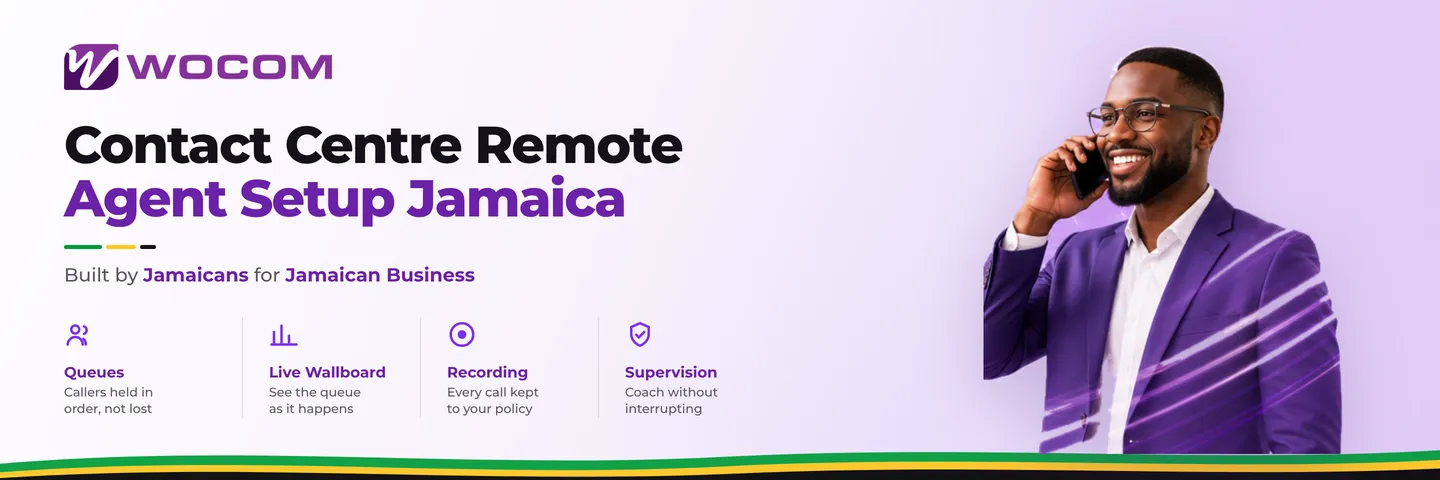
- Real-time presence status — the supervisor's wallboard shows each agent as Available, On Call, After Call Work, or Not Ready, with time-in-state displayed.
- Automatic status alerts — flag agents who have been in Not Ready status longer than your agreed threshold without a logged reason.
- Call recording access — remote calls should be recorded identically to on-site calls, and the supervisor must be able to pull and review them without being in the same building.
- Silent monitoring — the ability to join a live call without the caller knowing is equally important for remote agents, particularly during onboarding.
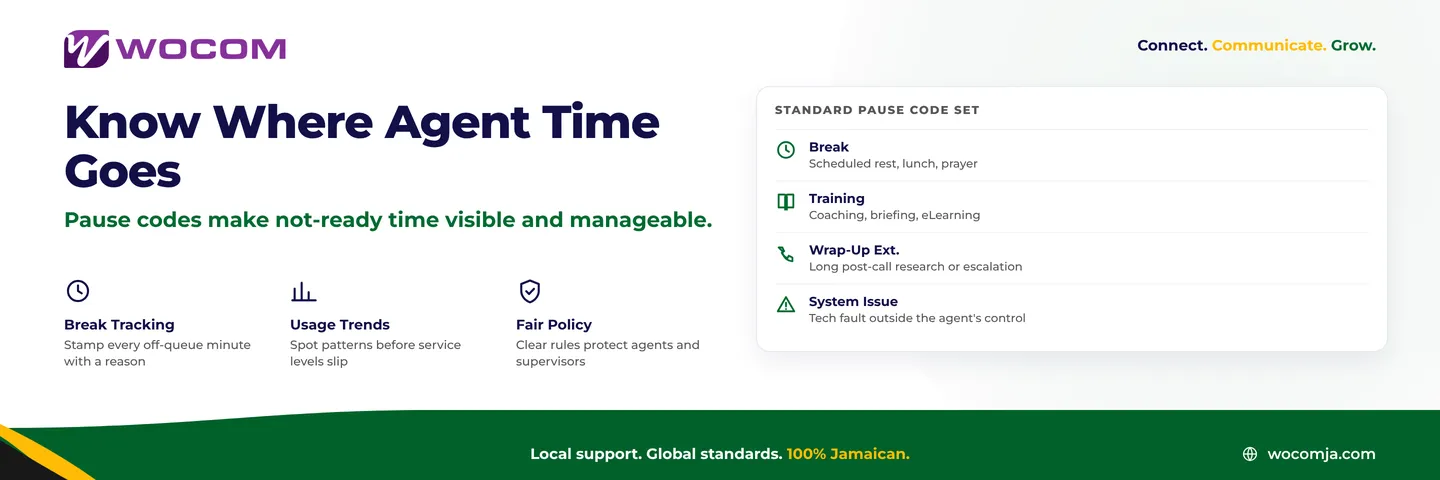
Establish a clear written policy: agents must be logged into the queue before their shift start time, must use designated pause codes to leave the queue, and must notify a supervisor via your team messaging platform before logging out mid-shift. These are the same rules as the office floor — they just need to be explicit rather than assumed.
Common Pitfalls to Avoid
Teams setting up remote contact centre agents in Jamaica repeatedly run into the same issues:
- SIP ALG on the home router: Many residential routers have SIP Application Layer Gateway enabled by default. It interferes with SIP signalling and causes one-way audio, failed registration, and dropped transfers. Disable it on any router the agent controls.
- Extension auto-logout on idle: Some softphone clients deregister from the SIP server after a period of inactivity. Disable this setting, or agents will show as unavailable in the queue without realising it.
- No fallback for power cuts: Power outages in residential areas remain more common than in commercial premises across Jamaica. A UPS for the router and workstation, or a mobile data fallback configured in the softphone app, keeps agents in the queue through a brief outage.
- Echo on calls: Echo from remote agents is almost always acoustic — the headset microphone picking up speaker output. Switch to a closed-ear headset with noise-cancelling mic, and disable speaker mode entirely on the softphone client.
- Missing the first ring: If the agent's device takes more than 2–3 seconds to produce an audible alert after a call arrives, callers experience a silent gap at the start of the call. Test ring latency from outside the office network before going live.
Set Up Your Remote Queue With WOCOM
WOCOM provisions and supports remote agent configurations as part of every Cloud PBX and SIP Trunking deployment. Whether you are standing up a new work-from-home contact centre queue or extending an existing on-site team, the setup is handled through the same portal — with SIP TLS encryption, real-time wallboard visibility, and call recording active from the first call.
Remote agents should be invisible to the caller. The only thing they should notice is that their call was answered promptly, handled professionally, and resolved correctly.
Speak to the WOCOM team to discuss your remote agent requirements. We work with contact centres across Kingston, Montego Bay, and throughout Jamaica — and we understand what Jamaican home networks, regulatory requirements, and operational environments demand from a remote queue setup.
Contact WOCOM today at wocomja.com or send a message via WhatsApp. Your remote contact centre queue can be live within days.
Continue exploring
Ready to upgrade your communications?
Talk to our team about the right solution for your business.
Book a Demo Contact SalesEverett Kildare is WOCOM's voice and infrastructure specialist, with more than 25 years of experience designing and running carrier-grade voice, SIP and virtualization infrastructure. Holding a BSc in Information Technology, he has built, secured and migrated phone systems for businesses of every size. Everett writes WOCOM's technical coverage of SIP trunking, cloud PBX, contact centres, business continuity and migration.