Desk Phone vs. Softphone App: What Jamaican Businesses Should Know Before Buying
When a Jamaican business moves to a cloud phone system, one of the first practical decisions that comes up is surprisingly easy to overlook: do you buy desk phones, use an app on your existing smartphones and laptops, or mix both?
It's not a trivial question. The wrong setup can mean wasted hardware budget, inconsistent call quality, or a team that quietly refuses to adopt the new system. Here's a straightforward breakdown to help you choose the right fit before you spend a dollar.
What Is a Desk Phone vs. a Softphone?
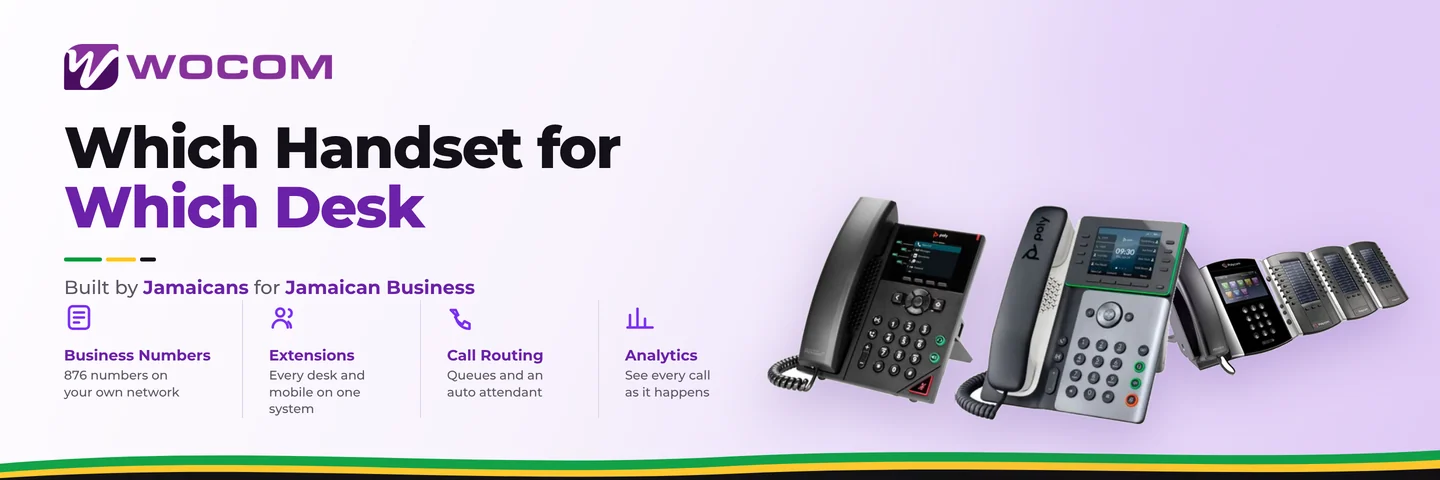
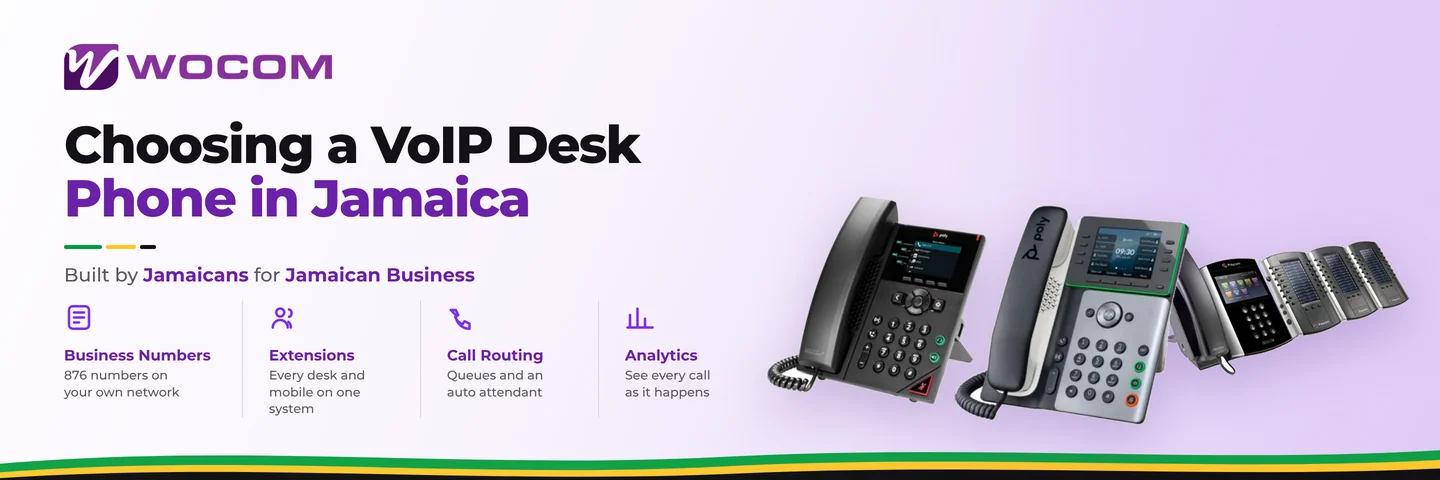
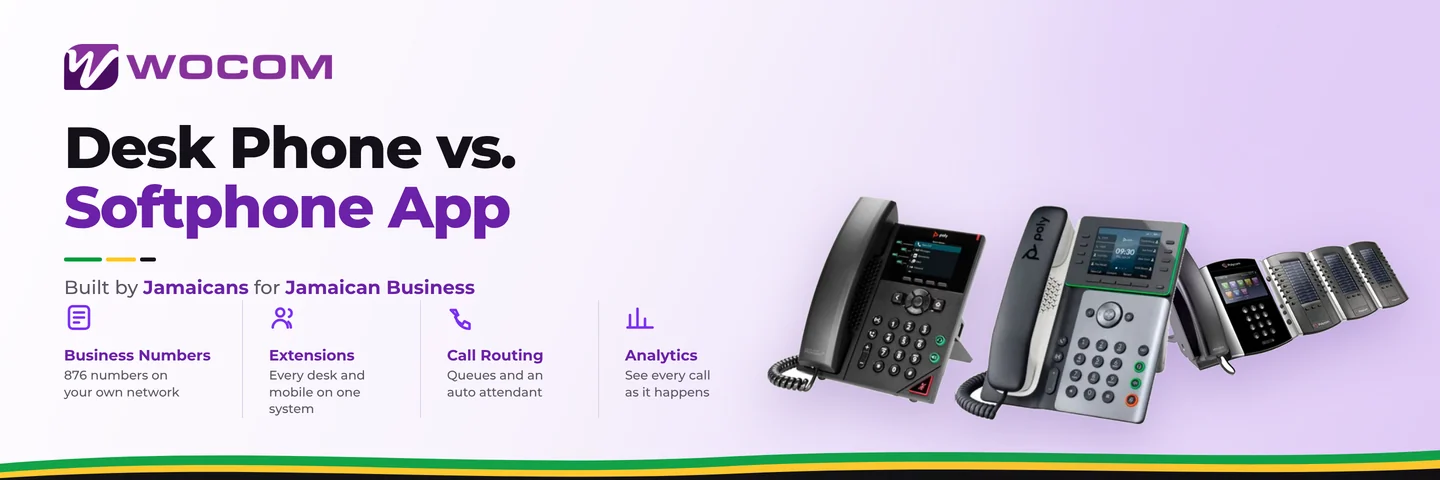
A desk phone — also called an IP phone or VoIP handset — is a physical telephone that plugs into your network switch and connects to your cloud PBX over your internet connection. Brands like Yealink, Grandstream, and Fanvil are common in Jamaican offices. It looks and feels like a traditional office phone but runs on your internet rather than a copper telephone line.
A softphone is an application installed on a smartphone, tablet, laptop, or desktop PC that does exactly the same thing — over Wi-Fi or mobile data. Your existing device becomes the phone. WOCOM's cloud PBX supports both through the same system, so extensions can be a mix of desk phones and apps across the same office without any additional setup complexity.
The Real Cost Difference
This is where most business owners start, and rightly so.
- Desk phones: A reliable IP handset costs between J$15,000 and J$40,000 per unit depending on features — basic handset versus a colour display with programmable keys and built-in headset support. A 10-person office can easily spend J$200,000–J$400,000 upfront on hardware alone, before factoring in installation and any structured cabling.
- Softphone apps: Typically free or included with your cloud PBX plan. Your team uses smartphones or computers they already own. Upfront hardware cost is zero.
For a startup or a business migrating from WhatsApp or a single landline, softphones are an obvious way to get professional, multi-line call handling immediately without capital expenditure. For a larger, established office where staff sit at desks all day, the investment in handsets often pays for itself in ergonomics, reliability, and call quality consistency over time.
When Desk Phones Are the Right Choice
There are situations where a physical handset genuinely outperforms an app — and trying to replace it with a softphone creates friction instead of solving it.
- Reception desks and front-of-house positions: A receptionist handling 60-plus calls per day needs a device that is always charged, always connected, and not competing with WhatsApp notifications. A wired desk phone wins here consistently.
- Call centre agents on shift: Agents on structured shifts benefit from a consistent hardware experience. Headsets plug in predictably, call quality doesn't fluctuate with signal strength, and there's no question about whose personal device is being used for business.
- Conference rooms: A shared speakerphone model means any group can dial in without connecting someone's personal device or struggling with Bluetooth pairing.
- Where professionalism is visible to clients: Law offices, financial services firms, and medical clinics in Kingston and Montego Bay often keep desk phones partly because clients and visitors expect to see them. A handset signals that the business takes communication seriously — it's as much about perception as functionality.
When a Softphone App Is the Better Fit
For a growing number of Jamaican businesses, apps are not just acceptable — they're the superior choice:
- Field-based teams: Sales reps, technicians, courier dispatchers, and drivers who are rarely at a desk need their business number with them. A softphone on their smartphone means calls to the main office number can ring them wherever they are across Jamaica.
- Remote and hybrid teams: Staff working from home, from a parish office, or from abroad can be reached on the same extension without any hardware shipped or installed. The extension moves with the person, not the desk.
- Small businesses and startups: A two-person accounting firm in New Kingston doesn't need to spend J$80,000 on desk phones. Two app installs and a cloud PBX plan get them a professional multi-line setup in an afternoon.
- Businesses that scale seasonally: Tourism operations, event companies, and retailers that add 10 temporary staff in peak season don't need to buy — and then store — 10 phones. Staff install the app, receive an extension assignment, and are operational immediately.
Jamaica-Specific Factors That Should Influence Your Decision
A few realities of operating in Jamaica shape this choice in ways a generic guide would miss entirely.
Power outages: This is the most important local factor. A desk phone plugged into a network switch goes offline the moment power cuts — unless you have a UPS running both the phone and the switch. A softphone on a charged smartphone keeps working as long as there's mobile data available. During hurricane season and in areas with unreliable JPS supply, this distinction matters enormously. Many WOCOM clients run a desk phone at reception during business hours and keep the same extension active on their mobile as a live failover — the system rings both simultaneously.
Internet quality: Softphone call quality depends on your connection. On a stable fibre or cable connection, a softphone performs on par with a desk phone. On a variable or congested connection, a desk phone hardwired to your LAN is often more consistent. If your internet link occasionally fluctuates — Starlink during heavy rain, shared cable in a busy building — a wired handset for your primary reception line is a sensible hedge.
Mobile data consumption: Softphone calls made over 4G or 5G mobile data consume data — roughly 1MB per minute for a standard voice call. For staff who take many calls while away from Wi-Fi, this is worth factoring into data plan decisions, though it rarely becomes a material cost at normal call volumes.
The Hybrid Approach: What Most Businesses End Up Doing
You don't have to pick one or the other. WOCOM's cloud PBX lets every extension be assigned to a desk phone, an app, or both at the same time. A call to an extension rings the desk phone and the mobile app simultaneously — the first to answer takes it.
A common setup for a Kingston office with eight staff might look like this:
- One reception desk phone — always staffed, always ready, wired connection
- One conference room speakerphone for shared use
- Six staff on the softphone app — a mix of in-office and remote workers
This keeps hardware costs well under J$100,000 while giving every team member a business number they can use from anywhere in Jamaica or abroad. It's also the lowest-risk way to introduce a cloud phone system: staff who prefer the app use the app; the reception desk gets the reliability of hardware; and the whole office shares one professional number with proper call routing, voicemail, and call records.
Making the Right Call for Your Business
The honest answer depends on your team's workflow, your internet reliability, and your budget. Most small-to-medium Jamaican businesses benefit from starting with softphones and adding one or two desk phones for reception and shared spaces. Larger offices with dedicated phone staff — contact centres, busy medical practices, legal firms — tend to invest in a fuller handset deployment.
What matters most is not picking the "best" option in the abstract, but configuring the system to match the way your team actually works. A softphone that nobody uses is worse than a desk phone nobody wanted.
WOCOM's team can walk you through the right setup for your specific situation — including compatible desk phone models tested on Jamaican networks, app configuration, and how to structure your extensions and call routing from day one.
Ready to build the right setup for your business? Contact WOCOM at wocomja.com, WhatsApp us, or speak with a business communications specialist who can map out exactly what your team needs — without paying for hardware you don't require.
Continue exploring
Ready to upgrade your communications?
Talk to our team about the right solution for your business.
Book a Demo Contact SalesEverett Kildare is WOCOM's voice and infrastructure specialist, with more than 25 years of experience designing and running carrier-grade voice, SIP and virtualization infrastructure. Holding a BSc in Information Technology, he has built, secured and migrated phone systems for businesses of every size. Everett writes WOCOM's technical coverage of SIP trunking, cloud PBX, contact centres, business continuity and migration.