Start here
three tasks, in orderGet the phones on the network
Bandwidth, QoS and firewall rules first, then provisioning. Most “bad voice quality” tickets are settled at this step and never come back.
Decide where calls land
Extensions, ring groups, an auto attendant and the after-hours rule. Set the after-hours path on day one, not after the first missed weekend.
Connect the system you already own
Trunk credentials, registration, inbound and outbound routes, and the two settings that cause most registration failures.
Video library
Where the routing path lives in the call log, and how to read the one-line strip of chips.
What the connecting arrows mean, spotting looped calls, and reading seconds per hop.
A call the AI Receptionist picked up, why it says "Outbound", and the eight everyday uses.
How the baseline period is chosen, the seven metric cards, and why green never just means "up".

Reading the day and hour charts, and finding which destination or extension actually moved.
PDF, email and scheduled delivery, the four things that catch people out, and pairing the two reports.
Callers rather than calls, contact made, never contacted, typical response — and the rules the report scores by.
The four outcomes, reading the caller table, which rows to chase first, and scheduling it weekly.
Set up call pickup groups on WOCOM systems.
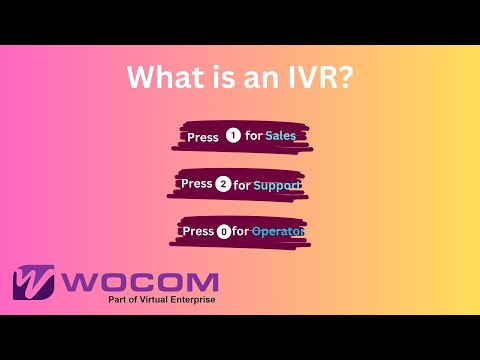
Interactive Voice Response — route callers automatically.
Distribute calls across multiple extensions.
Update your voicemail greeting on WOCOM Cloud.
Where Chat lives, why every extension is already listed, a working conversation with read receipts and shared files, the detail panel and SIP status, and turning a chat into a call.
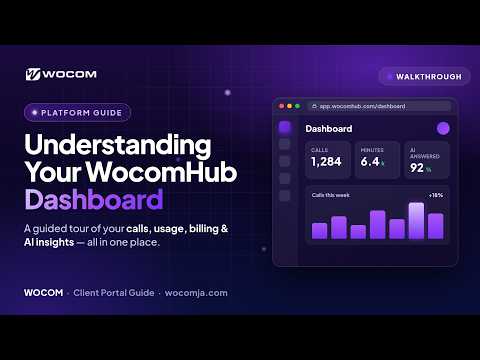
Get familiar with your WocomHub dashboard and controls.
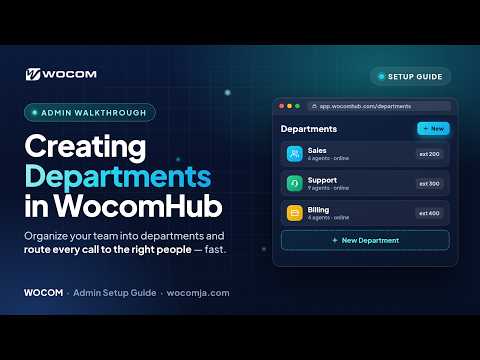
Organize extensions and call routing into departments.
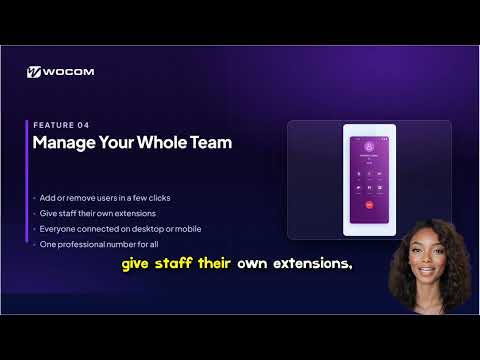
A tour of the WOCOM business phone system and its core features.
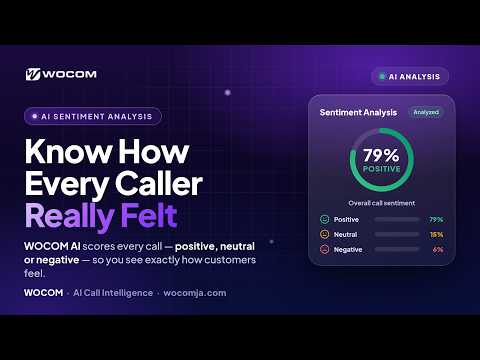
See how WOCOM scores caller sentiment on your calls.
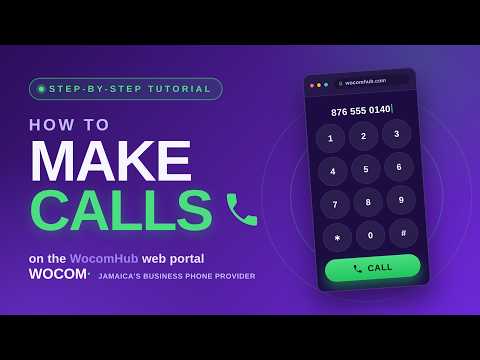
Place outbound calls, use call features, and transfer in WocomHub.

First look at the VVX 300 with WOCOM.
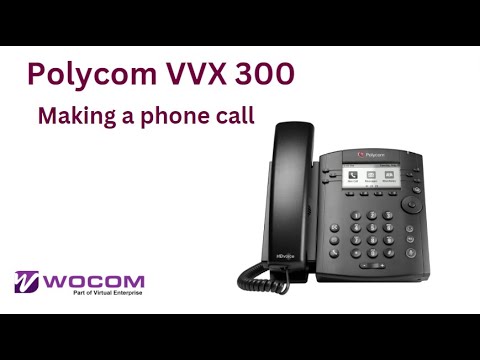
Place outbound calls on the VVX 300.
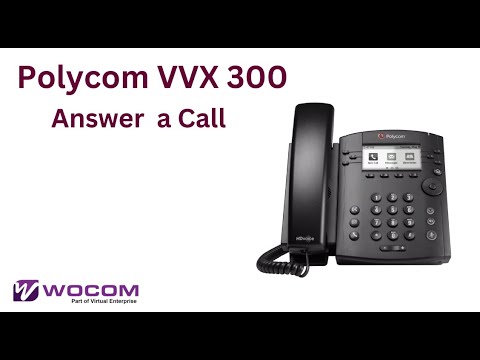
Answer incoming calls on the VVX 300.

Perform a cold transfer on the VVX 300.

Set up 3-way conference calls.
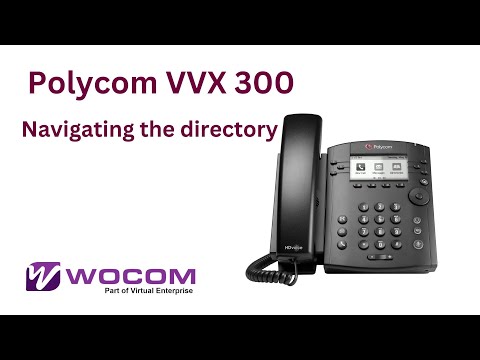
Browse company directory.

Customize your ringtone.

Listen to voicemail messages.

Record personalized voicemail.

Connect your own VVX 500/600.

Answer on the touchscreen phone.

Set up forwarding rules.

Handset, speaker, headset options.
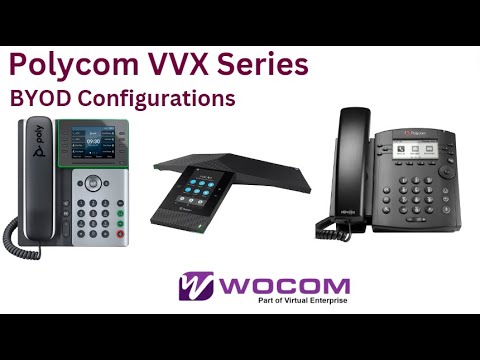
Configure any VVX with WOCOM.

Buttons, display, and capabilities.

Change ringtone on the VVX 150.
Add extra keys with expansion.
Enable HTTPS provisioning.
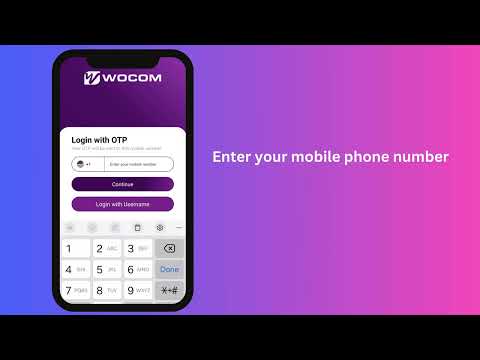
Activate mobile softphone via OTP.
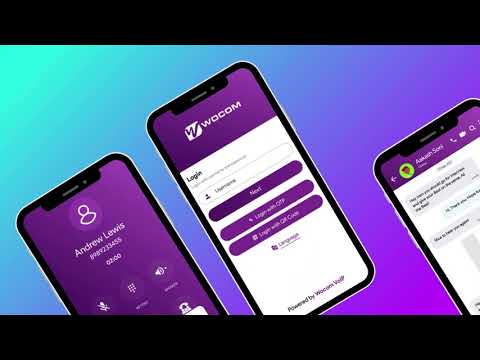
Tour of WOCOM mobile app.
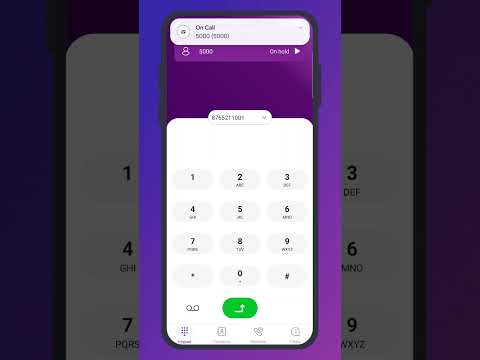
Transfer calls via mobile app.
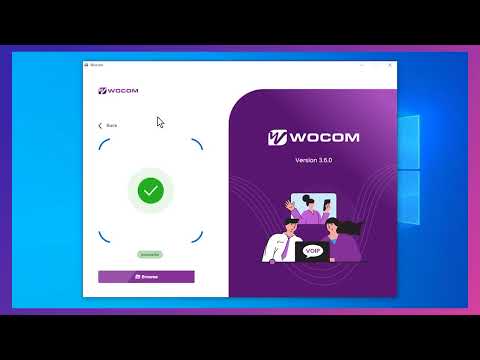
Scan QR to activate desktop.
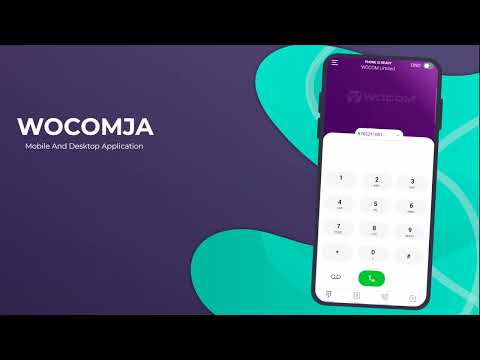
Multi-party conference on desktop.
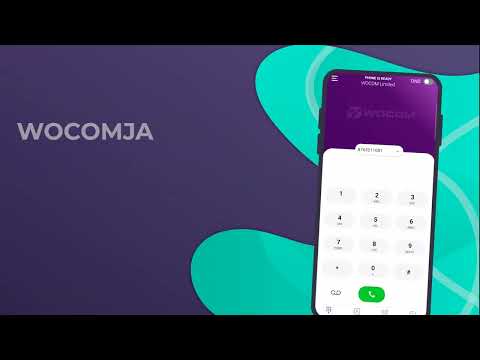
Blind and attended transfers.
Auto-answer and Do Not Disturb.
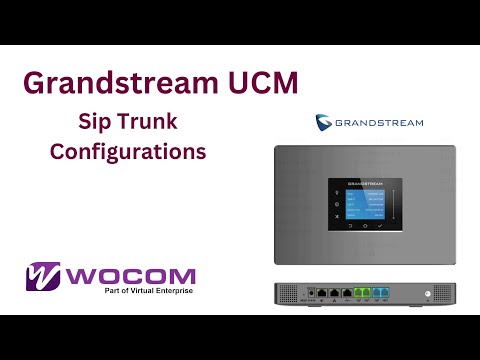
Configure WOCOM SIP on Grandstream UCM.
Nothing in the library matches that. Try a product name — voicemail, ring group, routing path — or search the guides from the index on the left.
When to call and what to expect
escalation path| Severity | What it looks like | Channel | First response |
|---|---|---|---|
| P1 | No calls in or out at a siteTrunk down, numbers unreachable, an outage across extensions | 876-906-7240 | Immediate, 24/7 |
| P2 | Degraded serviceOne-way audio, dropped calls, a department not receiving | 876-906-7240 | Within the hour |
| P3 | Change or configurationNew extension, routing change, greeting, voicemail | support@wocomja.com | Same business day |
| P4 | Billing and accountInvoices, plan changes, additional channels or numbers | support@wocomja.com | 1 business day |
The team that answers is the team that operates the network
WOCOM is licensed by the Office of Utilities Regulation to operate as a carrier in Jamaica. Support is in Kingston, on your clock and your public holidays, working on the platform your calls actually run on — not raising a ticket with somebody else.
- Uptime SLA
- 99.999%
- Businesses served
- 2,000+
- Card security
- PCI DSS SAQ A v4.0.1
- Regulator
- OUR · Jamaica