Cloud PBX Invoice Jamaica: What Every Line Item on Your Monthly Bill Actually Means
When a Cloud PBX invoice arrives each month, most Jamaica business owners do one of two things: approve it without reading, or scan for the total and move on. The habit is understandable — if the number looks similar to last month, it feels safe. But that assumption means billing errors compound quietly, unused features keep generating charges, and legitimate cost-saving adjustments never get made.
This guide explains every common line item on a Cloud PBX statement in plain language, so you know exactly what your business is paying for — and exactly what to question.
The Base Platform Fee
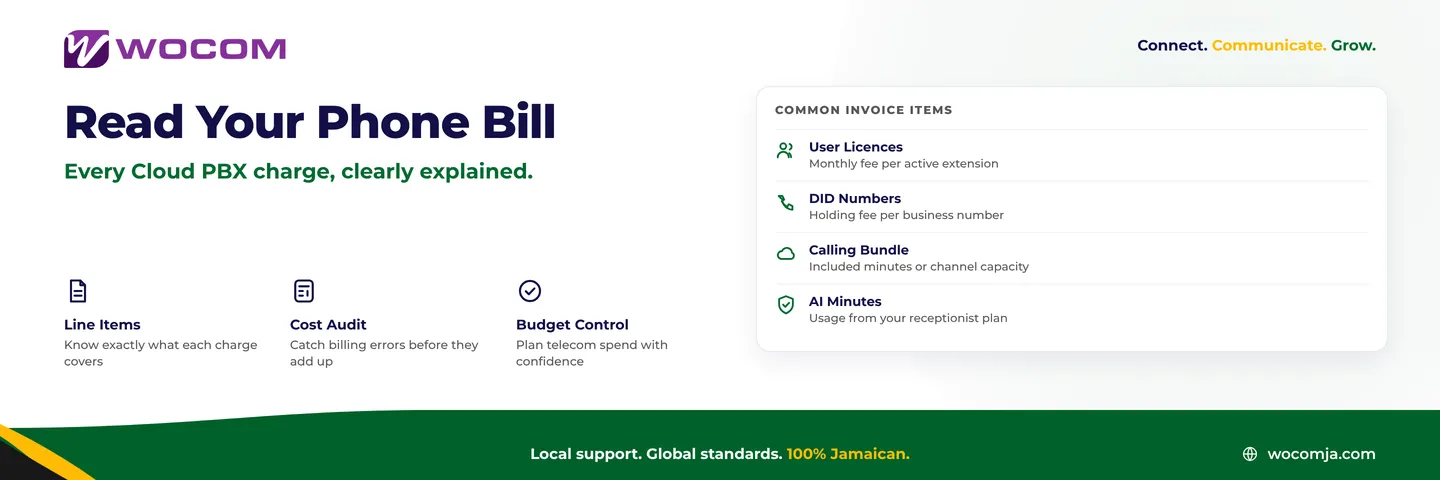
Every Cloud PBX subscription starts with a platform or plan fee. This is the foundation charge that covers the hosted PBX infrastructure: the dial plan engine, the routing logic, the web management portal, and the ongoing maintenance of the system itself. It is the most predictable item on your bill and should not vary month to month unless you change plan tier.
At WOCOM, plans are structured to match business size — a small office with a handful of extensions looks different on paper than a multi-department company with separate queues for sales, billing, and technical support. Before comparing two provider quotes, confirm what each base fee actually includes. A lower headline number is not always better if the feature list is thinner.
Per-User Licence Charges
Cloud PBX systems are priced per active user or extension, not per physical handset. A staff member who uses both a desk phone and a softphone app counts as one user — it is the person, or the extension, that is licensed, not the device.
Your invoice will show a unit price multiplied by the number of active extensions on the account. If your team expanded last month, you should see those new licence lines appear. If a staff member was added in error or moved to a different role, that change should be reflected in the same billing period.
The most common source of wasted spend on business phone bills in Jamaica: ghost extensions. A staff member who left three months ago, whose extension was never removed from the system, is still being billed as an active user. A quarterly audit of your active extensions against your current headcount takes ten minutes and routinely finds money sitting uncollected.
DID Numbers and Virtual Number Fees
A Direct Inward Dialling (DID) number is a real telephone number assigned to your business — the number callers dial to reach you. Cloud PBX systems let you hold multiple DIDs: a main company number, a dedicated sales line, a support line, numbers for specific departments, or numbers for separate branch locations in Kingston and Montego Bay.
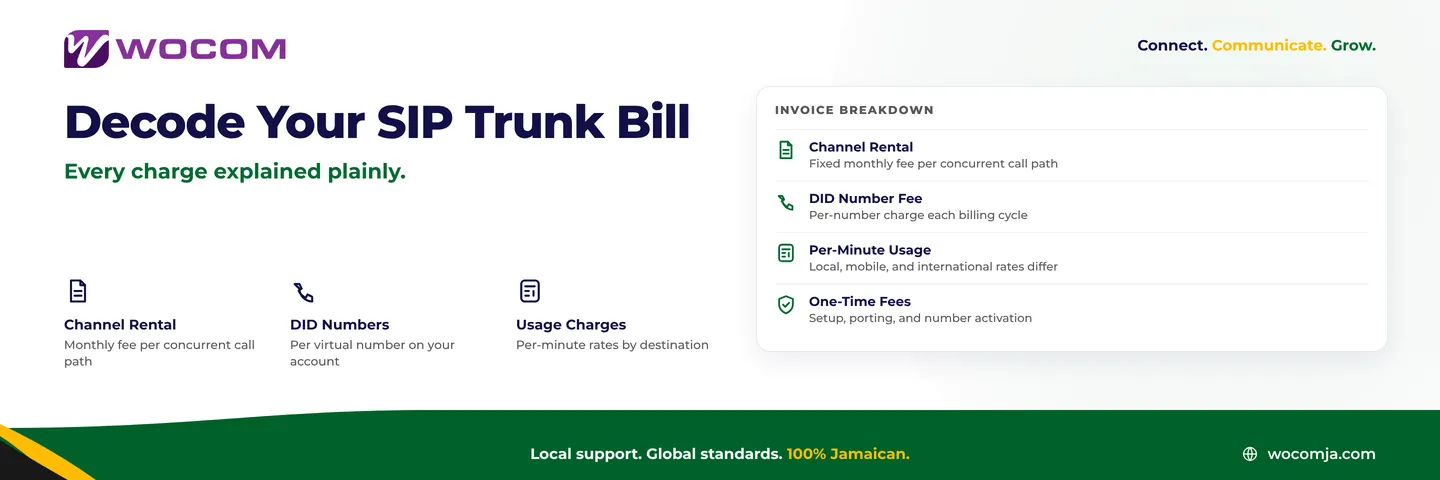
Your invoice will show a monthly holding fee for each DID you own. If you ported a number from a previous provider, that number also carries a holding fee once it is active on the new platform. When a new virtual number is set up, a one-time activation charge typically appears on the first statement it is active.
What to look for: numbers you acquired but no longer actively use. A number that was set up for a marketing campaign that ended six months ago, or that rings to an empty extension, is still generating a holding charge on every invoice. Decommission numbers you no longer need, or redirect them to your main line before they appear on another statement.
Calling Bundles, Channels, and Per-Minute Overages
This section of a Cloud PBX bill generates the most questions because it mixes three distinct concepts: calling bundles, concurrent channel capacity, and per-minute overage rates.
Calling bundle: A fixed allowance of minutes included in your plan. Local calls within Jamaica, calls to Jamaican mobile numbers, and calls to international destinations typically draw from different pools. Read the bundle description carefully — "included minutes" that apply only to local landline calls are not the same as unlimited calling across all destinations.
Concurrent channels: The number of calls your system can handle at the same time. A business with four active channels can hold four conversations simultaneously; a fifth call will reach a queue or a busy signal. If you are regularly saturating your channel capacity during busy periods, your invoice may reflect auto-scaled capacity charges — or you may simply be losing calls without realising it.
Per-minute overages: Calls that exceed your bundle are charged at a per-minute rate. International destinations — including calls to diaspora communities in the United States, Canada, and the United Kingdom — typically carry higher rates than local calls. If overage to a specific destination appears on most of your monthly statements, reviewing whether a higher bundle tier is cheaper than recurring overage is a simple calculation worth doing once.
AI Receptionist and Feature Add-On Lines
If your Cloud PBX plan includes an AI receptionist — as WOCOM's does — your invoice will include an AI usage component. WOCOM's platform includes 250 AI-handled minutes per month as part of the standard package. Calls managed entirely by the AI receptionist draw from this pool; calls that transfer to a live team member stop counting against AI minutes at the point of transfer.
Beyond AI minutes, feature add-ons that commonly appear on Cloud PBX invoices include:
- Call recording storage: Some plans include a fixed retention window; archiving beyond that window may carry a storage fee based on volume or duration.
- Additional virtual numbers: Numbers added after account setup typically carry a one-time activation charge plus the ongoing monthly DID holding fee.
- Advanced reporting and analytics: Basic call logs are usually included at every tier; detailed analytics dashboards or export access may be a premium feature depending on your plan.
- Voicemail-to-email delivery: Automatic conversion of voicemail recordings to audio attachments delivered by email may be bundled at higher tiers or listed as a separate item at entry-level plans.
How to Audit Your Invoice Each Month
A monthly bill review does not need to take more than ten minutes. Work through these checks in sequence:
- Compare active extensions to current headcount. Any extension without a named active employee should be reviewed and removed if the person has left.
- Check your DID count against your known numbers. If you are billed for five numbers but can only name four of them, find out what the fifth one is before you approve the charge.
- Review overage lines. Consistent overage on a specific destination is a signal to adjust your bundle — not an amount to absorb silently each month.
- Confirm any one-time charges. New number activations, porting fees, and professional services charges should correspond to work you actually requested during that billing period.
- Check AI usage if applicable. If your AI receptionist minutes are regularly exhausted before month-end, calls after the cap are declined at the start of the interaction. That is a signal to review your plan tier, not to accept declined calls as routine.
Building a Telecom Budget That Stays Accurate
Once you understand what each line item represents, it becomes straightforward to forecast phone costs for the year. Your base fee and licence count are fixed and predictable. Your calling bundle should be sized so that overages are rare — not zero, but not a recurring charge on every invoice.
When your business grows, the licence count increases and your calling bundle may need to scale upward. When staff leave or projects close, decommissioning extensions and unused numbers brings costs back down. Cloud PBX billing is designed to flex with you — but only if you actively manage it rather than letting the account drift.
Many Kingston and Montego Bay businesses that have moved from legacy PABX systems to cloud find the new billing model significantly more transparent than what they had before. With a traditional phone system, maintenance contracts, hardware rental, and line charges were often rolled into a single figure with little visibility into the components. With Cloud PBX, every cost has a named category and a reason for existing.
Not Sure What a Charge Covers? Ask WOCOM Directly
If you are reviewing a WOCOM invoice and something is unclear — or you want to know whether a different plan tier would better match your actual call volume and team size — the WOCOM team can pull your usage data, compare it against your current plan, and show you in plain numbers whether an adjustment would save money or serve your business better.
Contact WOCOM through wocomja.com or visit the office to speak with a business phone specialist. We will walk through every line on your statement, explain what it covers, and make sure you are not carrying charges for anything your business is not actively using.
Continue exploring
Ready to upgrade your communications?
Talk to our team about the right solution for your business.
Book a Demo Contact SalesEverett Kildare is WOCOM's voice and infrastructure specialist, with more than 25 years of experience designing and running carrier-grade voice, SIP and virtualization infrastructure. Holding a BSc in Information Technology, he has built, secured and migrated phone systems for businesses of every size. Everett writes WOCOM's technical coverage of SIP trunking, cloud PBX, contact centres, business continuity and migration.