Business Call Forwarding: Rules That Follow the Business, Not Just the Phone
Call forwarding on a traditional line is a blunt instrument: everything goes to one other number until somebody turns it off. It is the reason so many Jamaican businesses have customers ringing a member of staff's personal mobile, and the reason those conversations are invisible to the business.
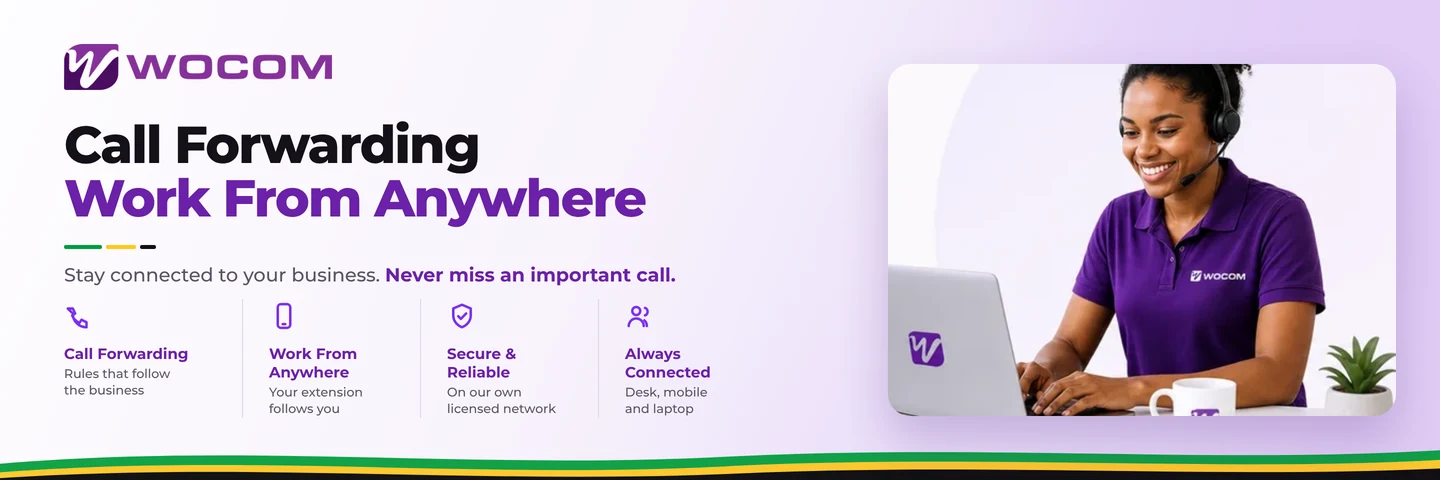
On a cloud phone system, forwarding becomes a set of rules that follow how the business actually works.
The four rules that cover almost everything
Time of day. Ring the office in business hours, a duty mobile after them, and an announcement plus message-taking overnight. Public holidays get their own rule, set once a year rather than remembered each time.
Busy or no answer. Try the desk, then the mobile, then a colleague. Voicemail is the last resort rather than the second step.
Who is calling. Known accounts can go straight to the person who handles them, skipping the menu entirely.
Where the person is. An extension that follows someone to a laptop or mobile app makes forwarding largely unnecessary — the call simply reaches them.
Keep the business number in front
The detail that matters commercially: when a forwarded call is answered on a mobile, and when that person calls the customer back, the business number should be what the customer sees. Otherwise the relationship migrates to the individual, and it leaves with them.
Forwarding to a mobile is also your outage plan
The same mechanism that covers a lunch hour covers a storm. Extensions that fail over to mobiles keep a business reachable over the cellular network when fixed lines and power are gone — which is why it belongs in the disaster recovery plan rather than being improvised on the day.
Two things to get right
Do not forward into a dead end. A rule that sends calls to a mobile that is switched off is worse than no rule. Every path should end somewhere a message can be left.
Watch emergency calls. If a softphone is being used away from the registered address, the address held against that extension is the one that matters. Emergency calling on VoIP explains what to tell staff.
Frequently Asked Questions
Can I forward calls to a mobile?
Yes, on a schedule, on no-answer, or as a failover when the office connection is down.
Will the customer see my business number?
On outbound calls from the app or a softphone, yes — which is the point. Handled correctly, the personal number never appears.
Can different people have different rules?
Yes. Forwarding is per extension, so sales and accounts can behave differently.
Do I need to remember to turn it on and off?
No. Time-based rules run to a schedule, including public holidays.
Getting started
Write down what should happen at 6pm, at 1pm on a Saturday, and on Independence Day — then set those three rules once. Routing landline calls to a mobile covers the mechanics, and the Cloud PBX page covers the rest.
Continue exploring
Ready to upgrade your communications?
Talk to our team about the right solution for your business.
Book a Demo Contact SalesEverett Kildare is WOCOM's voice and infrastructure specialist, with more than 25 years of experience designing and running carrier-grade voice, SIP and virtualization infrastructure. Holding a BSc in Information Technology, he has built, secured and migrated phone systems for businesses of every size. Everett writes WOCOM's technical coverage of SIP trunking, cloud PBX, contact centres, business continuity and migration.