A Phone System Disaster Recovery Plan You Can Actually Execute in a Hurricane
Jamaica gets storms, and every business has a continuity plan that mentions the phones in a sentence. The sentence is usually some version of “divert calls as required,” which is not a plan — it is a hope that somebody with the right login will be somewhere with a connection.
A phone plan that works has to be executable from a mobile, by more than one person, with no office access.
Decide the states before you need them
Three states cover almost everything, and each should be a single change somebody can make in under a minute:
- Normal. Everything as usual.
- Office unreachable, staff working. Calls follow people to mobiles and home extensions. The business is answering, just not from the building.
- Business closed. An announcement with real information — what has happened, when you expect to reopen, what to do in an emergency — and a message-taking path that somebody will actually check.
Write these as named configurations rather than a list of steps to improvise. The point is that the person executing does not have to make decisions.
Who can execute it
The single most common failure: one person has the login. They are also the person driving their family somewhere, or without power, or asleep after a night shift.
At least three people should be able to change the state, and at least one of them should not live in the same parish as the others. Write down who they are and test that their access works — before, not during.
What actually keeps calls flowing
Because the switching is on WOCOM's network rather than a box in your office, your numbers keep working whether or not your building does. What has to be planned is where they land:
Mobile failover is the backbone. Extensions that fail to a mobile keep the business reachable on the cellular network when fixed lines and power are gone.
A second connection keeps the office itself working through a single-provider outage. The connection options guide covers Starlink, fibre, cable and 4G/5G, and satellite has a specific advantage when local infrastructure is damaged.
Power is the part people forget. A router and a handset on a small UPS keep working through the first hour, which is usually the hour that matters most.
The announcement is the plan's public face
Record the closure announcement in advance, in a normal voice, and leave it ready. Recording one during an emergency produces exactly what it sounds like.
Say what is useful: whether you are closed, when you expect to be back, and what a genuine emergency should do instead. “We are currently closed due to adverse weather” with no other information leaves the caller exactly where they started.
Test it once a year, badly on purpose
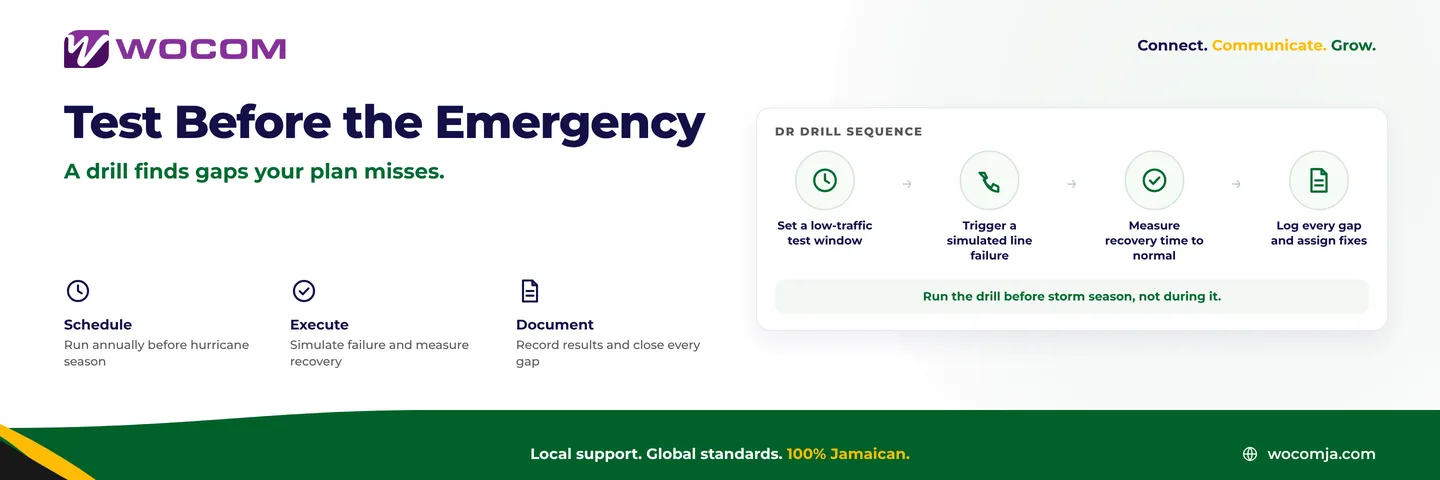
The useful test is not a planned one. Pick a quiet Tuesday, tell nobody, and ask the second-named person to put the system into state two from their phone. What breaks will be a login nobody has used since it was created.
Frequently Asked Questions
Do my numbers still work if the office is destroyed?
Yes. The switching is on the provider's network, so the numbers are unaffected by what happens to your building. What needs planning is where calls are routed to.
What if there is no power and no internet at all?
Mobile failover carries calls over the cellular network. That is the layer that keeps working when everything at the premises is down.
How many people should be able to change the routing?
At least three, and not all in the same parish. Single-holder access is the most common point of failure in a real event.
Should the emergency announcement be recorded in advance?
Yes. Record it calmly ahead of time and keep it ready to activate.
Getting started
Write the three states down this week and name the three people. That alone puts you ahead of most businesses. The Starlink resilience piece covers the connection side, and the WOCOM team can pre-build the routing states so activating one is a single change.
Continue exploring
Ready to upgrade your communications?
Talk to our team about the right solution for your business.
Book a Demo Contact SalesEverett Kildare is WOCOM's voice and infrastructure specialist, with more than 25 years of experience designing and running carrier-grade voice, SIP and virtualization infrastructure. Holding a BSc in Information Technology, he has built, secured and migrated phone systems for businesses of every size. Everett writes WOCOM's technical coverage of SIP trunking, cloud PBX, contact centres, business continuity and migration.