SIP Trunk Pre-Launch Testing Jamaica: The Calls to Make Before You Go Live
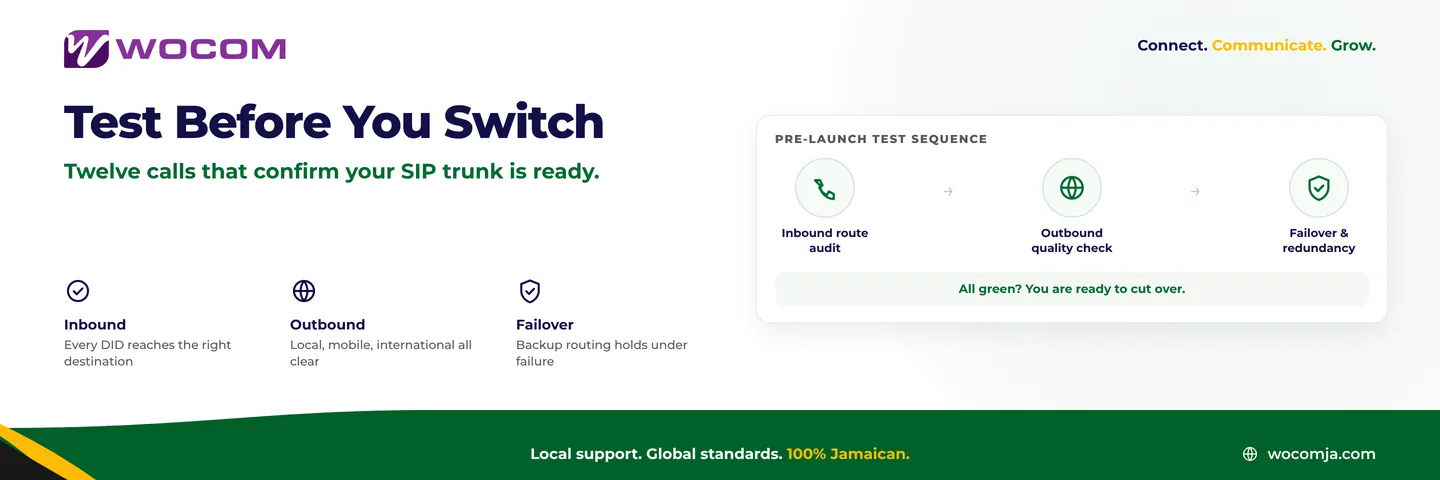
Why Testing Before Cutover Protects Your Business
Switching to a new SIP trunk is not a single event — it is a sequence of routing changes that cascade across your PBX, your IVR, your staff extensions, and ultimately every caller who dials your number. The moment you tell your team "we are live" is the wrong moment to discover that calls to your Kingston front desk are looping back to voicemail, or that your Montego Bay sales line plays a busy signal instead of ringing.
A structured pre-launch test catches these problems in a controlled window, before any real caller experiences them. It also gives you documented evidence that every element is working — which matters if you need to raise a fault report with your provider quickly and need timestamps and call records to back it up.
Block out two to three hours — ideally on a weekend or during a low-traffic period — and work through the checklist below with a second phone and someone positioned at your internal handsets. A Jamaican mobile number works perfectly as the external test line.
Inbound Call Tests: What Callers Reach When They Dial You
These tests simulate the caller's experience and are the most critical to complete before going live. For each test, note whether the call connected, how long it took to answer, and whether the audio was clear in both directions.
- Test 1 — Main number, local mobile call. Dial your primary business number from a Jamaican mobile. Verify that it rings your auto-attendant or reception desk as intended, and that the greeting plays without clipping or distortion.
- Test 2 — Main number, overseas call. If you have customers in the US, UK, or Canada, dial your number from an international line or ask a contact abroad to call in. International routing sometimes behaves differently from local routing, especially for US-facing DIDs or toll-free numbers.
- Test 3 — Individual department DIDs. If you have direct-dial numbers for departments — accounts, technical support, the director's line — call each one individually. Confirm each number rings the correct extension or hunt group, not a neighbouring desk.
- Test 4 — After-hours routing. Temporarily set your business-hours schedule to "closed" and dial in. Verify the call routes to your after-hours message or your AI receptionist, not a dead ring or an unanswered queue.
- Test 5 — Voicemail delivery. Let a call go unanswered until voicemail picks up. Leave a short message, then verify the recording arrives at the correct email address and is fully playable. Check the timestamp and caller ID on the notification too.
Outbound Call Tests: Verifying What Your Callers See and Hear
Outbound routing is just as important as inbound, particularly for sales teams and any staff who call customers regularly. A caller who sees an unfamiliar number or a withheld line is less likely to answer — and that problem starts the moment you go live if caller ID is not configured correctly on your new trunk.
- Test 6 — Local fixed-line call. Dial a local landline number from your business system. On the receiving end, verify that your business caller ID displays correctly — your intended number, not a random assignment or a withheld line.
- Test 7 — Jamaican mobile calls. Dial test numbers on both major mobile networks. Check that each call connects cleanly and that the caller ID on the mobile screen shows the right business number. Caller ID can display inconsistently across different mobile carriers with some SIP configurations.
- Test 8 — International outbound. Place a test call to a number in the US or UK. Confirm the call completes, that international dialling is correctly permitted on your trunk, and that audio is clear in both directions for the full duration of the call.
- Test 9 — Concurrent call capacity. Ask two colleagues to place outbound calls simultaneously while a third dials your inbound number. Verify that all three calls connect without any receiving a busy tone. If your SIP trunk has a concurrent channel limit, this is how you find it before real customers hit it.
Call Quality Tests: Listening for Problems That Are Hard to Describe
Call quality issues rarely prevent a call from connecting — they just make the conversation miserable. One-way audio, echo, clipping, and choppy playback are the most common complaints on a new trunk deployment, and they are almost always caused by network configuration on the customer side rather than the SIP trunk itself.
During each inbound and outbound test, listen specifically for:
- Echo — you hear your own voice bouncing back roughly 200 to 400 milliseconds after you speak. Usually a codec mismatch or a jitter-buffer misconfiguration.
- One-way audio — you can hear the other party but they cannot hear you, or vice versa. Almost always a NAT traversal or firewall issue blocking the RTP media path while the SIP signalling gets through fine.
- Choppy or robotic voice — the caller's voice breaks up in short bursts. Check your internet connection's packet loss and jitter before concluding the trunk is at fault; even 1% packet loss can make voice unintelligible on a G.711 codec.
- Noticeable delay — the conversation has a lag that makes it feel like a satellite call. Acceptable one-way latency is under 150 ms; above 250 ms and it disrupts the natural rhythm of conversation.
If you have access to a VoIP monitoring tool, record MOS scores across at least five test calls. A score above 4.0 is the target for a professional business environment; anything below 3.5 should be investigated before going live.
Failover and Redundancy Tests: What Happens When Something Goes Wrong
A SIP trunk that works perfectly under normal conditions but leaves your business unreachable during an internet disruption or a trunk fault has not been fully tested. Failover testing is the step most businesses skip — and the one they regret during a power event, a Tropical Storm maintenance window, or an ISP outage in the middle of a working week.
- Test 10 — Primary internet failure. Simulate an outage by temporarily disconnecting your primary link. Verify that calls fail over to your secondary route — whether that is a Starlink backup connection, a mobile data link, or WOCOM's hosted failover routing. Confirm that inbound callers hear your failover greeting rather than a dead line or an unending ring.
- Test 11 — SIP trunk re-registration. Ask your WOCOM account manager to trigger a brief registration refresh on your trunk. Verify your PBX re-registers cleanly and that no active calls are dropped during the handshake. This simulates what happens after a brief network blip.
- Test 12 — Manual mobile failover. If you have configured mobile failover routing, temporarily activate it. Dial your main business number from an external line and confirm calls route correctly to the designated mobile number. Deactivate and confirm calls return to the normal path without a manual restart required.
When a Test Fails: Documenting and Resolving Before Go-Live
The goal of pre-launch testing is to find failures before they affect real callers — which means you should expect to find at least one thing that needs adjustment. When a test fails, document what you observed precisely:
- The number dialled and the number dialled from
- The exact time of the test (WOCOM can correlate call logs by timestamp)
- Whether the call failed to connect or connected with a quality problem
- Whether the problem was consistent or intermittent across multiple attempts
Share this information with your WOCOM technical contact before your go-live date. Most routing and configuration issues are resolved within a few hours when the right log data is available. Intermittent quality problems typically point to local network configuration — SIP ALG enabled on routers, missing QoS rules, or insufficient upstream bandwidth reserved for voice — rather than the trunk itself.
If testing reveals a problem that cannot be resolved before your planned cutover date, keep your current line active for one more week. The cost of parallel running is far lower than the cost of a failed launch that your staff and customers experience in real time.
Ready to Migrate? WOCOM Supports Every Step
WOCOM's SIP trunking team works with businesses across Kingston, Montego Bay, and island-wide to plan, configure, and test new trunk deployments. Every WOCOM SIP trunk includes a pre-launch configuration review, and the technical team can walk you through this testing checklist before you cut your existing lines.
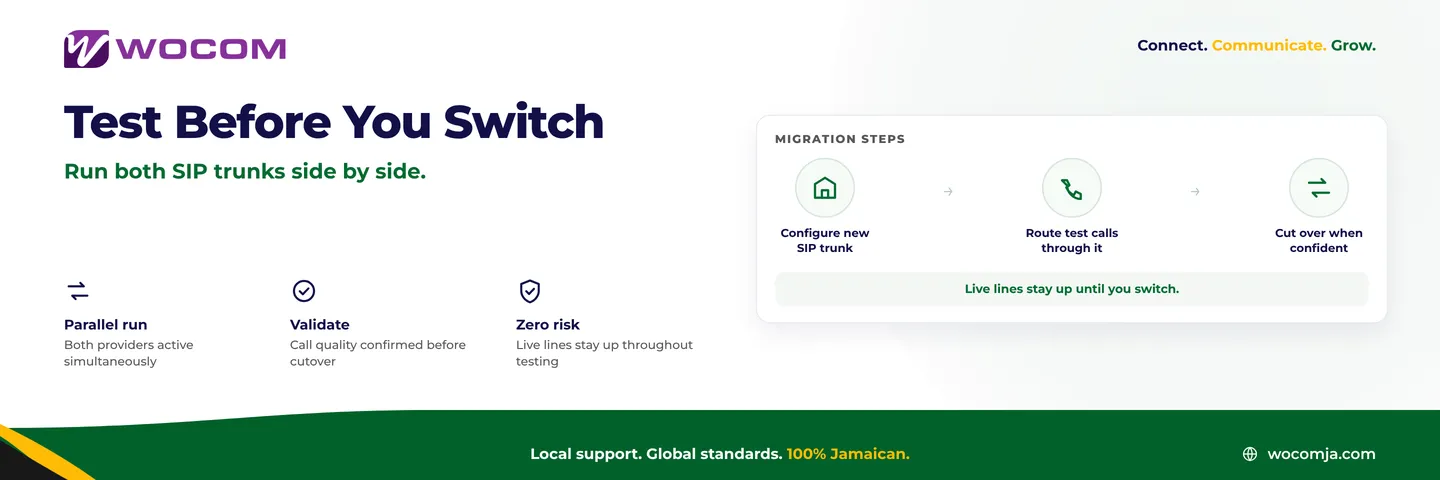
If your current provider's contract is approaching renewal, or you are moving from a legacy PBX to a cloud-connected system, now is the right time to run a parallel pilot with a WOCOM trunk before committing to the full switch. You keep your existing service running while you verify every test on the list above.
Contact WOCOM today to schedule a pre-launch technical review. Go live knowing every call has been tested, every route has been confirmed, and your team is ready.
Continue exploring
Ready to upgrade your communications?
Talk to our team about the right solution for your business.
Book a Demo Contact SalesEverett Kildare is WOCOM's voice and infrastructure specialist, with more than 25 years of experience designing and running carrier-grade voice, SIP and virtualization infrastructure. Holding a BSc in Information Technology, he has built, secured and migrated phone systems for businesses of every size. Everett writes WOCOM's technical coverage of SIP trunking, cloud PBX, contact centres, business continuity and migration.