The WOCOM Prepaid App: Your 876 Business Number on the Mobile in Your Pocket
Your office phone is the mobile in your pocket
A WOCOM Business line does not come with a desk phone, because it does not need one. Your business number rings in the WOCOM Prepaid app on the phone you already carry. The app is free on Android and iPhone.
This is a tour of the four screens you will use every day, so you know what to expect before you install it.
The dial pad: call out as the business
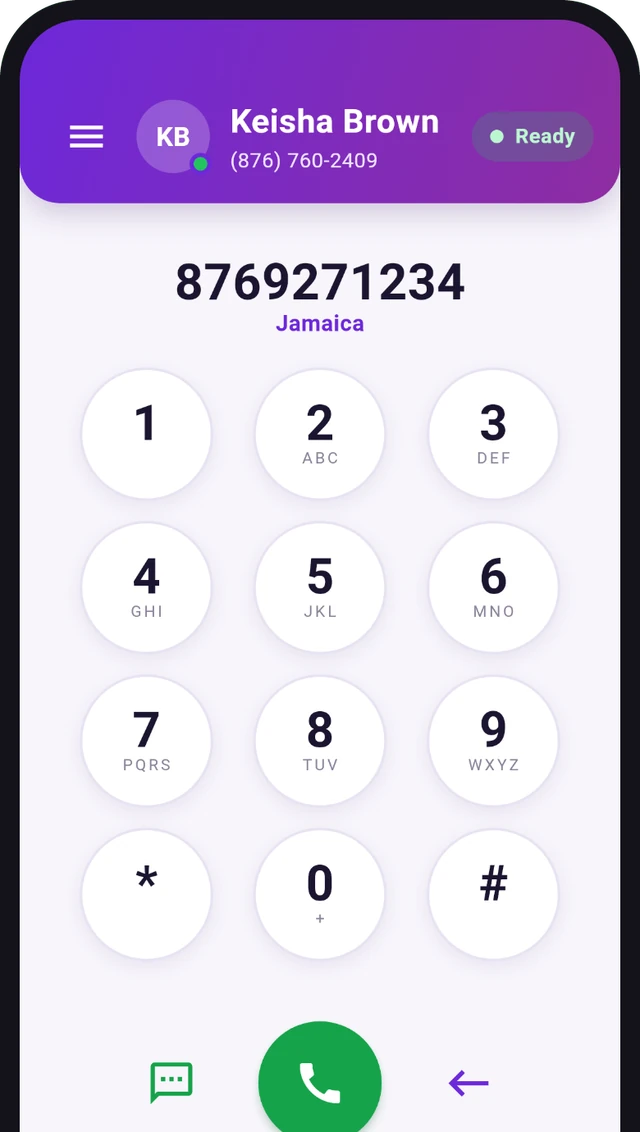
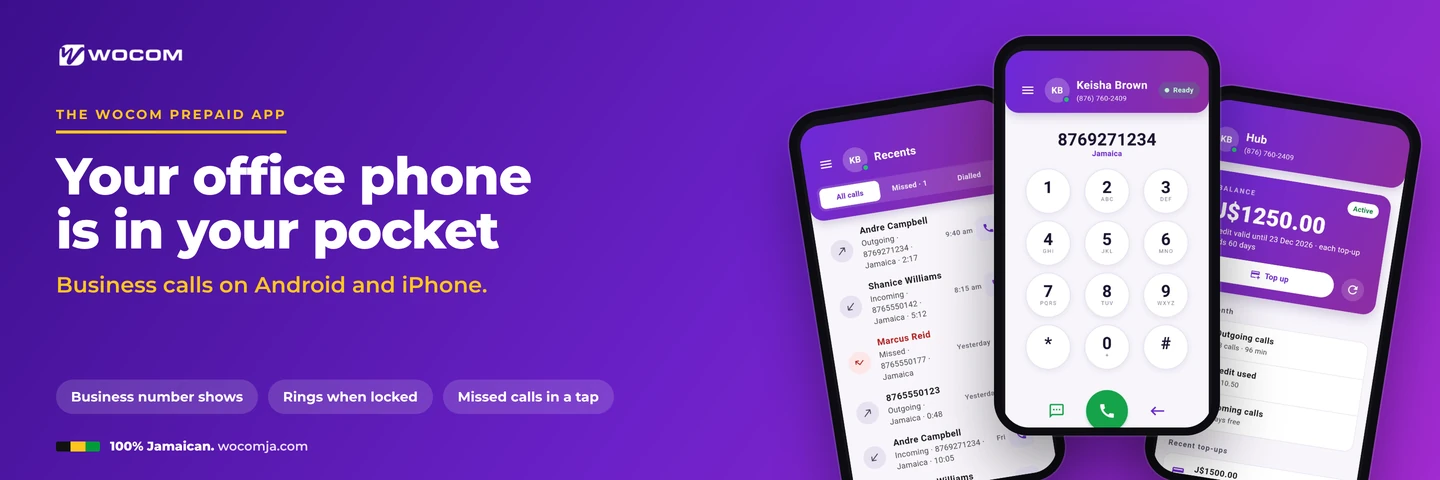
The dial pad. Your business number sits at the top of the screen.
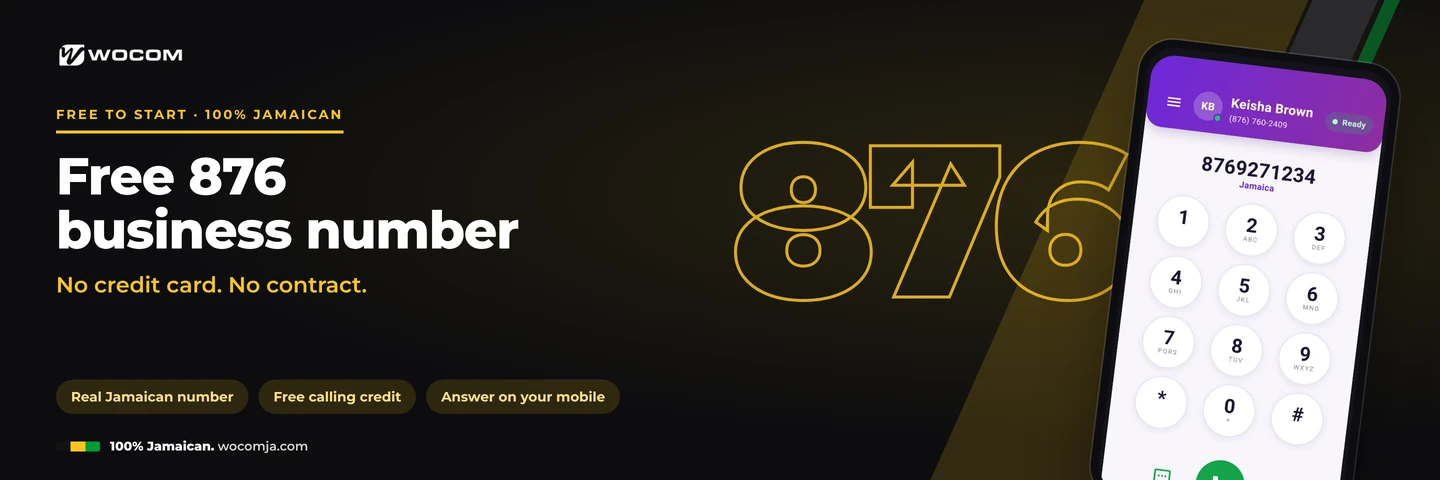
The dial pad looks like the one you already know, with one important difference. Your business number is shown at the top, and that is the number your customer sees when you call. Your personal number is never shown.
That means you can return a customer's call from the beach, the bus or your verandah, and it still arrives as a call from the business.
During a call: the controls you expect
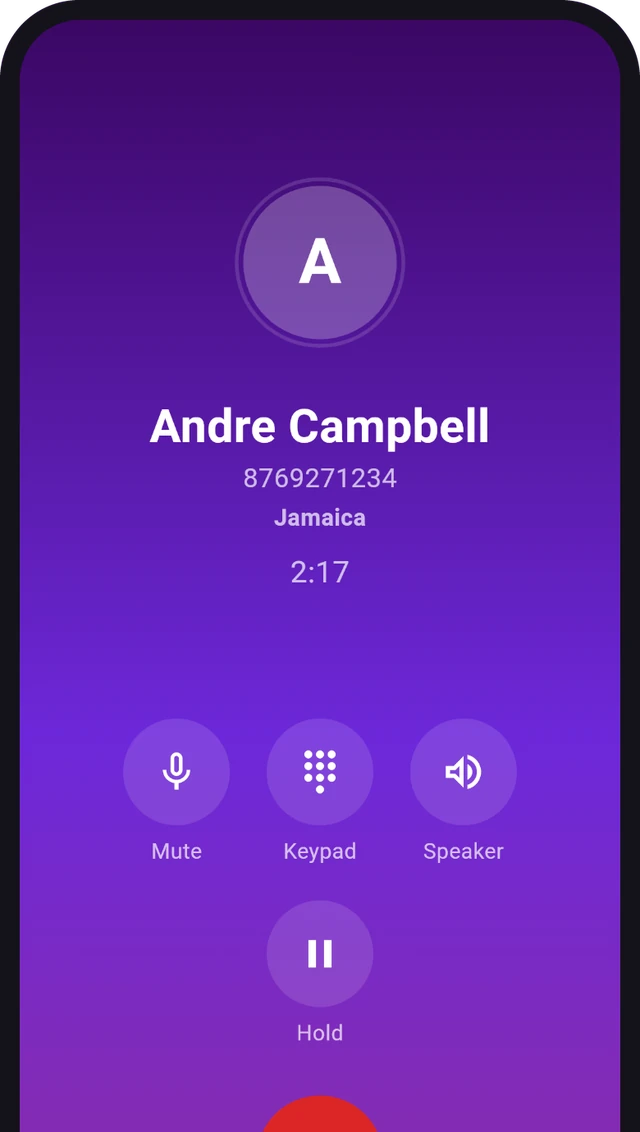
A live call, with mute, keypad, speaker and hold.
While you are on a call you have mute, a keypad, speaker and hold. Incoming calls reach you even when the phone is locked, so you do not have to keep the app open on the screen all day.
Recents: every missed call in one place
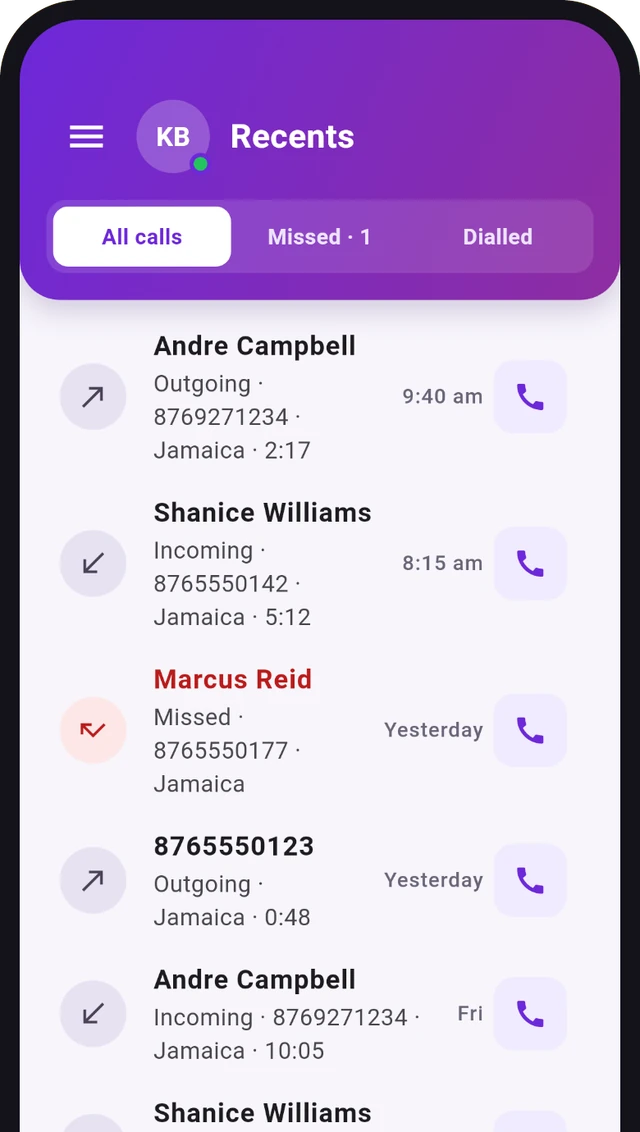
Recent calls, with tabs for all calls, missed calls and dialled calls.
The recents screen lists your business calls only, kept apart from your personal call log. Tabs separate all calls, missed calls and the calls you dialled. A missed call is marked in red, and one tap rings that customer back.
For a small business this is the most valuable screen in the app. A missed call you return within the hour is often still a sale.
Credit: see your balance and top up
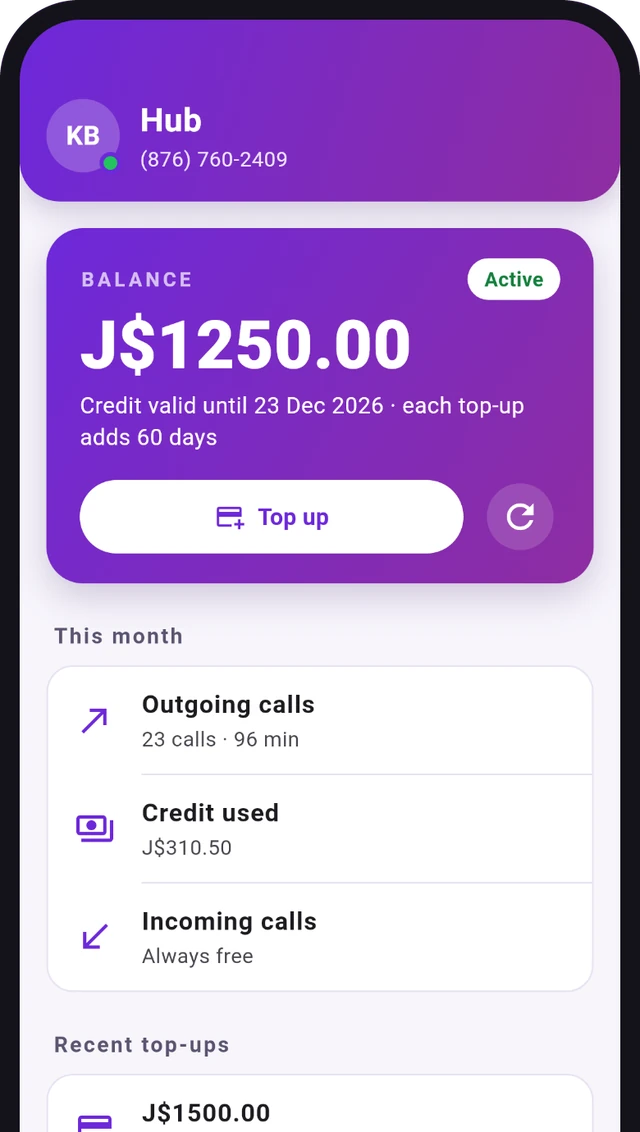
The credit screen, with your balance and a Top up button.
The credit screen shows your balance, the date your credit is valid until, and a Top up button. Below that you can see your outgoing calls and the credit used this month. Incoming calls are listed as always free.
Each top-up extends your line, which is how you keep your number: top up at least once every 60 days. There is no bill and no automatic charge.
Getting the app working
WOCOM Business launches on Wednesday 23 December 2026. Once you have claimed your free spot you can install the app straight away. On launch day you are e-mailed to pick your number, and an activation e-mail follows with a QR code. Scan the code and the app is activated.
Team members do the same on their own phones. Each person installs the app and signs in with the code they are sent. The free plan includes 2 team extensions, and calls between your extensions are free.
You sign in with a Jamaican mobile number starting 876 or 658. Your portal also asks for your TRN, a valid government-issued ID and a quick face photo, and outgoing calls are switched on once the ID is approved.
What the app does not replace
The app is for making and taking calls. Your greeting, office hours, ring group and reports are set in the web portal. Between the two you have a full phone system with nothing installed in an office. For everything included in the free plan, see our guide to the free 876 business number with no credit card.
The web side is covered in inside the portal.
Frequently Asked Questions
Is the WOCOM Prepaid app free?
Yes. It is free on Android and iPhone.
Will the app ring when my phone is locked?
Yes. Calls come in even when the phone is locked.
Which number do customers see when I call from the app?
Your business number shows, not your personal one.
Is the WOCOM Prepaid app the same as the WOCOM Hub app?
No. The WOCOM Prepaid app is for WOCOM Business prepaid lines. The WOCOM Hub app is for WOCOM Cloud PBX customers.
Claim your free WOCOM Business line. Free 876 number, free calling credit, no card needed. Launching Wednesday 23 December 2026. Questions? Call 876-906-7240 or write to support@wocomja.com.
Continue exploring
Ready to upgrade your communications?
Talk to our team about the right solution for your business.
Book a Demo Contact SalesEverett Kildare is WOCOM's voice and infrastructure specialist, with more than 25 years of experience designing and running carrier-grade voice, SIP and virtualization infrastructure. Holding a BSc in Information Technology, he has built, secured and migrated phone systems for businesses of every size. Everett writes WOCOM's technical coverage of SIP trunking, cloud PBX, contact centres, business continuity and migration.