WOCOM Meet: Video Conferencing That Comes With the Phone System
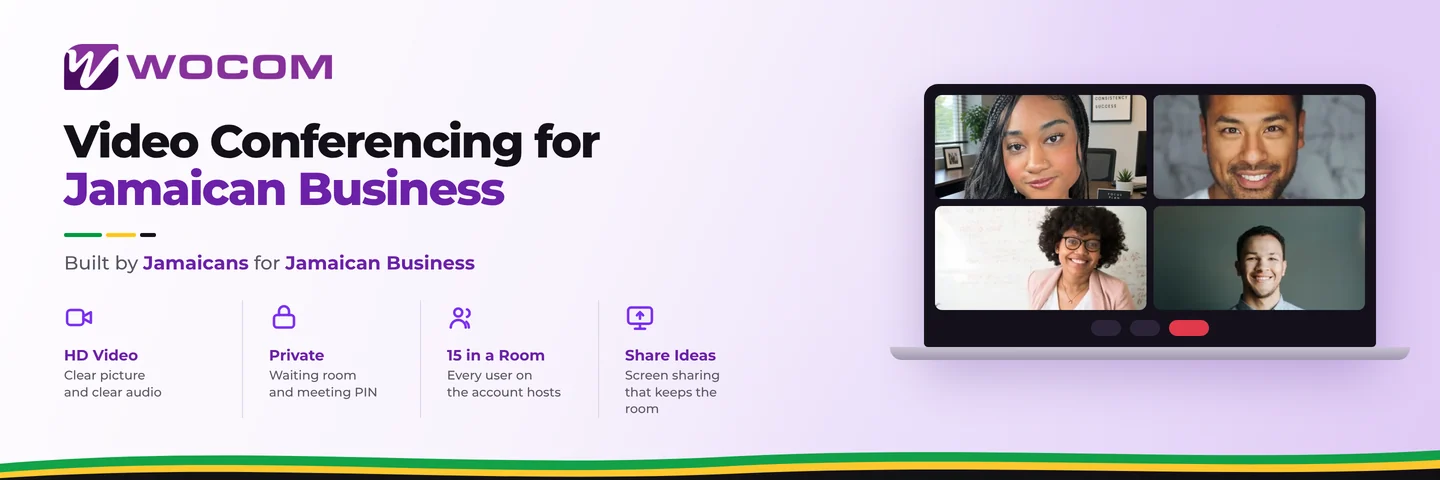
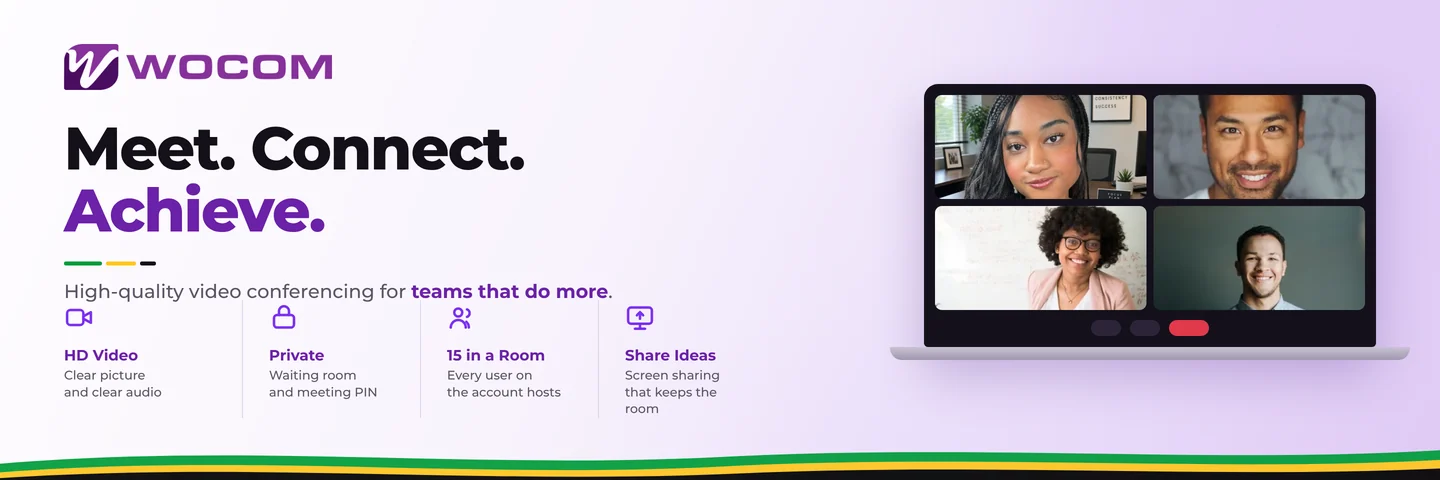
WOCOM Meet is video conferencing included with the WOCOM phone system. It runs in a browser, guests join from a link without an account, and there is no separate video subscription — the same account that carries your calls carries your meetings.
The service is the same for every client. There is no Basic, Pro or Business to compare: up to 15 people in a room, 2 hours a meeting, one-to-one calls uncounted, and cloud recording kept 30 days. Every user on your account can host.
Joining costs the guest nothing
The single thing that decides whether video works for a business is what happens to somebody who has never used your platform. If joining means an install, an account or an update, a share of your customers will not be there at the appointed time.
Meet runs in Chrome, Edge, Firefox, Safari and Opera on desktop and mobile. A guest clicks the link, gives a first and last name, and is in. Only the people hosting need an account.
What the limits mean in practice
15 people covers a full team meeting, a client briefing or a training session. It is not built for a 300-person webinar, and it is honest to say so.
2 hours covers an induction, a review or a working session. The countdown is on screen throughout and a warning arrives before the end, so nothing stops mid-sentence without notice.
One-to-one calls are not counted, which matters more than people expect — most business video is two people rather than twelve.
Recordings belong to the business
Recording happens on the WOCOM server rather than on the host's laptop. That produces one file per meeting, stored in the account, available to everyone on it, and deleted automatically after 30 days.
The alternative — recording on somebody's machine — fails in a specific way: the file stops when they close the lid, and six months later, when it is needed, it is on a laptop that left with an employee.
Retention is not only housekeeping. A recording of a customer conversation is personal data under Jamaica's Data Protection Act, with the same expectations that apply to recording phone calls. A fixed window that deletes on schedule does part of that work for you.
Keeping the meeting private
A meeting link is not a lock — it gets forwarded and pasted into group chats. Two controls handle that: a waiting room, so nobody enters until the host admits them, and a meeting PIN for conversations that need a second factor. Both are enforced by the server rather than by the participant's browser, which is the difference between a control and a request. The video meeting security guide covers when to use each.
Running the room
Chairing a full room is mostly not talking. It is muting the person who left a microphone open in a busy office, holding late arrivals at the door until the confidential item is done, and sharing a screen without disappearing from the call. Mute, remove and admit are all server-side, so they take effect whether or not the participant cooperates.
Why it is bundled rather than sold
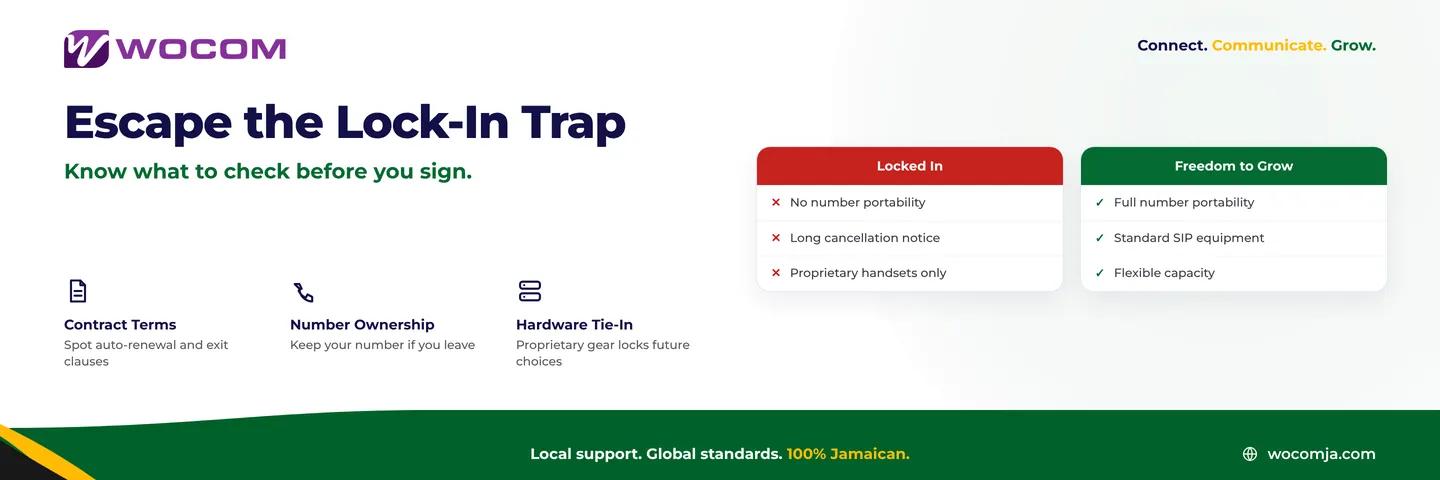
Video is a feature of a communications platform, not a separate product. Paying a second vendor per user per month for meetings while already paying for a phone system is a duplication most businesses would not accept in any other category — so Meet arrives with the phone system instead. If you are weighing platforms, put the annual video figure next to the phone bill before deciding; it changes the comparison more often than not.
For the wider evaluation — what to check on any platform, not just this one — the video conferencing buyer's guide is the longer read.
Frequently Asked Questions
How many people can join a WOCOM Meet video conference?
Up to 15 people in a room, on every account. One-to-one calls are unlimited.
How long can a meeting run?
Up to 2 hours. The countdown is on screen throughout and a warning arrives before the end.
Do guests need an account?
No. Anyone with the link gives a first and last name and joins from their browser. Only hosts need accounts.
How long are recordings kept?
30 days by default, on the WOCOM server rather than on the host's machine, after which they are deleted automatically.
Is video conferencing a separate subscription?
No. It arrives with the WOCOM phone system, for every user on the account.
Getting started
If your business already runs on WOCOM, Meet is there — sign in and start a meeting. The WOCOM Meet page has the full feature list, and the team can walk through how it fits the way your business actually meets.
Continue exploring
Ready to upgrade your communications?
Talk to our team about the right solution for your business.
Book a Demo Contact SalesEverett Kildare is WOCOM's voice and infrastructure specialist, with more than 25 years of experience designing and running carrier-grade voice, SIP and virtualization infrastructure. Holding a BSc in Information Technology, he has built, secured and migrated phone systems for businesses of every size. Everett writes WOCOM's technical coverage of SIP trunking, cloud PBX, contact centres, business continuity and migration.