SIP ALG Jamaica: What It Is, Why It Breaks Your VoIP Calls, and How to Turn It Off
What Is SIP ALG?
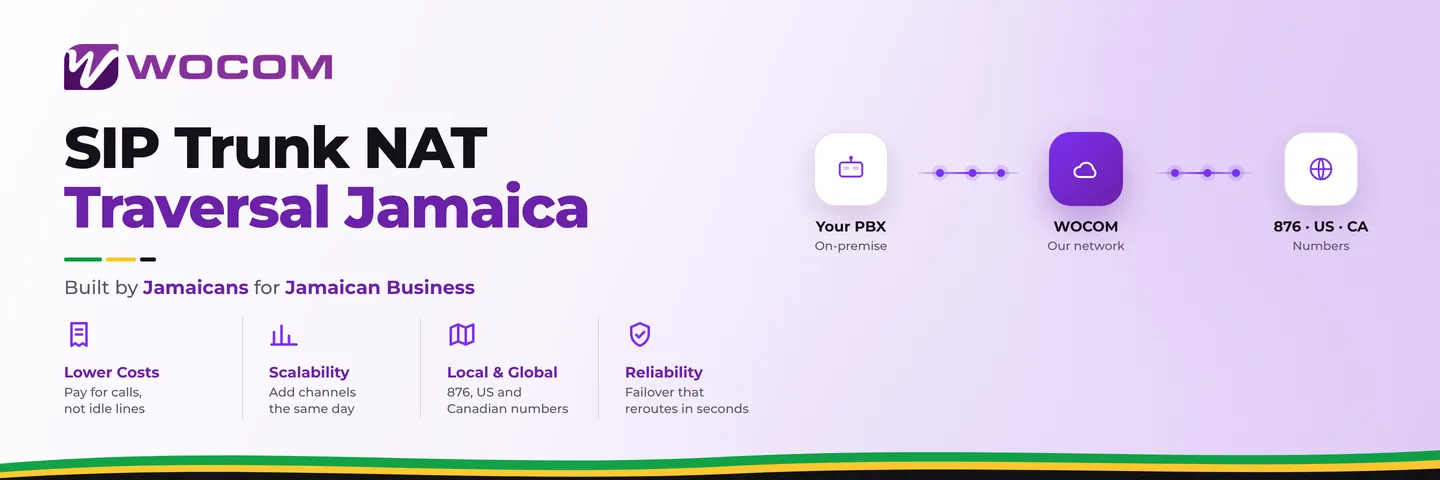
SIP ALG stands for Session Initiation Protocol Application Layer Gateway. It is a feature built into most consumer and small-business routers — including models supplied by local internet providers and units imported from tech stores across Kingston — that was designed to help VoIP calls pass through network address translation (NAT).
The idea made sense on paper. SIP calls carry IP address information inside the packet payload, not just in the network header. When your router performs NAT — replacing internal IP addresses like 192.168.1.x with your public internet IP — a standard translation does not touch the inside of the SIP packet. SIP ALG was built to inspect those packets and rewrite the embedded addresses too, keeping both sides of the call synchronized.
The problem: it almost always does this wrong. And because it operates silently, businesses spend weeks blaming their internet provider, their handsets, or their PBX before anyone checks the router.
Why SIP ALG Breaks More Calls Than It Fixes
Modern SIP equipment — including WOCOM's SIP trunks and every current cloud PBX platform — already handles NAT traversal itself, using techniques like STUN servers and symmetric RTP. These mechanisms work correctly and reliably. When SIP ALG intercepts the same packets and applies its own rewriting on top, addresses get modified twice, and the results are corrupted.
Think of it as a well-meaning but confused middleman who edits a letter that was already corrected before it reached the post office.
The specific failures caused by SIP ALG include:
- One-way audio: You can hear the caller but they cannot hear you, or vice versa. The audio stream (RTP) is being routed to the wrong IP address.
- 30-second call drops: The call connects, a conversation begins, then it cuts off right around the 30-second mark. This happens because SIP ALG mangles the re-INVITE packets that keep an active call alive after the initial handshake.
- SIP registration failures: Your IP phone or PBX keeps losing its registration, showing as "unregistered" or attempting to re-register every few minutes.
- DTMF not recognized: You press 1, 2, or 3 in an IVR menu and nothing happens. The keypress signals — sent as RFC 2833 packets — are being altered in transit and arriving unreadable.
These failures are intermittent and router-specific, which makes them easy to misattribute. In most cases the internet connection and the phone equipment are perfectly healthy. The router is the problem.
Signs Your Router's SIP ALG Is the Culprit
Not every call quality problem points to SIP ALG — but certain patterns make it the top suspect. Check this list before you buy new equipment or file a fault with your ISP:
- Calls that work from one office but fail from another, where the two sites have different routers
- Problems that appeared immediately after a router was replaced or factory-reset
- Calls that are clear on a mobile 4G connection but broken on the same office's WiFi or LAN
- Consistent 30-second or 60-second disconnections rather than random drop times
- Your SIP trunk shows as registered in the portal, but inbound calls fail to ring
- Issues that resolve temporarily when the phones or PBX are rebooted, then return within hours
The mobile-versus-office test is the fastest diagnostic. A 4G connection bypasses your office router entirely. If calls are stable on mobile data but broken on your office network, something in your local network path — almost certainly the router — is the cause.
How to Disable SIP ALG on Common Routers
The exact menu location varies by brand, but the change itself is a checkbox or dropdown. Below are the most common routers found in Jamaican business environments.
Mikrotik (common in ISP-supplied and SME installations across Jamaica):
Open Winbox or the web interface, navigate to IP → Firewall → Service Ports, find the SIP entry, and uncheck Enabled. Click Apply.
TP-Link (widespread in small offices and home-based businesses):
Log into the admin panel — usually 192.168.0.1 or 192.168.1.1 — go to Advanced → NAT Forwarding or Security → ALG, and uncheck the SIP checkbox. Save and reboot the router.
Asus:
Go to WAN → NAT Passthrough and set SIP Passthrough to Disable.
Ubiquiti EdgeRouter (common in larger business deployments):
From the CLI run set system conntrack modules sip disable then commit and save. Alternatively, use the GUI under Firewall/NAT → Advanced and disable the SIP helper.
D-Link:
Go to Advanced → Firewall → Application Level Gateway and uncheck SIP.
Cisco RV series (mid-market offices in Kingston's corporate areas):
Navigate to Firewall → General and uncheck SIP ALG.
After disabling SIP ALG, reboot the router. If you have IP phones or a PBX on the network, reboot them as well so they re-register cleanly against WOCOM's servers. In most cases the call problems resolve immediately.
If you are not sure which router you have, check the label on the underside of the device — the model number and default admin credentials are usually printed there. If you borrowed or were given a router by someone else, that label is the fastest way to identify it.
When You Cannot Access the Router Yourself
Many Jamaican businesses lease their router from a network provider and do not hold admin credentials. If you cannot log in to the router settings, you have two practical paths.
First, contact your internet provider and request that SIP ALG be disabled on your router. This is a standard request — any provider that supports VoIP customers should be willing to do it. Ask for written confirmation; these settings can be silently reset during remote firmware updates.
Second, WOCOM's technical team can diagnose your specific setup and confirm whether SIP ALG is the source of your problems. If disabling ALG at the router is not possible, there are workarounds at the SIP trunk level — including transport protocol changes and port adjustments — that route calls around the issue entirely.
One important note: do not disable SIP ALG on a router that is also running a legacy analogue telephone adapter (ATA) that depends on the ALG to pass calls. If you are unsure whether this applies to your setup, contact WOCOM before making any changes.
Stop Chasing Phantom Call Problems
SIP ALG is one of the most common causes of VoIP call failure for Jamaican businesses — and one of the fastest to fix once you know where to look. A two-minute router setting change can eliminate months of intermittent drops, one-sided audio, and failed registrations that no amount of phone reboots or internet speed upgrades will correct.
WOCOM's support team works with businesses across Kingston, Montego Bay, Spanish Town, and every parish to diagnose call quality problems at every layer of the network. If your SIP trunk is registered but calls are still misbehaving, let us run through the checklist with you before you spend money on new equipment.
Reach the WOCOM technical team: 876-272-9692 | support@wocom.com.jm | wocom.com.jm/contact
Continue exploring
Ready to upgrade your communications?
Talk to our team about the right solution for your business.
Book a Demo Contact SalesEverett Kildare is WOCOM's voice and infrastructure specialist, with more than 25 years of experience designing and running carrier-grade voice, SIP and virtualization infrastructure. Holding a BSc in Information Technology, he has built, secured and migrated phone systems for businesses of every size. Everett writes WOCOM's technical coverage of SIP trunking, cloud PBX, contact centres, business continuity and migration.