Route Business Calls to Staff in Jamaica: A Cloud PBX Setup Guide for Busy Owners
When the Business Number Is the Owner's Number
In most Jamaica businesses, the phone system wasn't designed — it just happened. A personal mobile number became the "business number." Calls from customers, suppliers, and sales reps land on the same device, at any hour. The owner picks up everything because there is no other option.
It works at first. Then the business grows. Staff are hired. Office space is leased. And still, the calls route to the owner's mobile — because nobody ever changed the setup. Staff sit nearby while the owner fields routine questions about opening hours, pricing, and directions. Important meetings get interrupted. A customer who should be building a relationship with your accounts team is instead going straight to you, every time.
This isn't a discipline problem. It isn't even a staffing problem. It's a routing problem — and Cloud PBX solves it cleanly.
Know Your Call Types Before You Route Anything
Before touching a single configuration, it helps to classify the calls your business actually receives. Most Jamaica businesses deal with four types:
- Routine enquiries — hours, location, pricing, stock availability. Any staff member can handle these. No judgment or authority required.
- Department-specific calls — accounts queries, technical support, order status. These need the right person, not simply the first available one.
- Escalations — an unhappy customer, a contract discussion, a large-order negotiation. These may legitimately need the owner, but only after a first-line attempt.
- Owner-specific calls — a known supplier, a business partner, a returning major client. These should reach you directly via your own extension.
The goal of any routing setup is to match each type to the right destination automatically — without you making that call-by-call decision in real time every time your phone rings.
Building a Front Line with Auto-Attendant and Hunt Groups
Cloud PBX gives you two core tools for building a front line without a dedicated full-time receptionist.
Auto-attendant (IVR) is the first layer. A short, professional greeting — "Thank you for calling Kingston Imports. For sales, press 1. For accounts, press 2. For all other enquiries, press 0." — sorts callers before a single extension rings. Done right, this alone removes a large share of routine calls from ever reaching the owner.
Hunt groups define which staff ring when a call lands in a department. For a sales queue, you might ring all three sales staff simultaneously — the first to answer picks it up. For accounts, you might ring them in sequence, moving to the next if the first doesn't answer within 20 seconds.
A few practical setup decisions that matter for Jamaica businesses:
- Keep the auto-attendant menu short — no more than four options. A caller in Montego Bay with a pressing question will abandon a five-level menu before they reach the end.
- Always include a "press 0 to speak with someone" option. Never trap a caller in a menu with no exit.
- Set hunt group ring time to 20–25 seconds per extension. Too short feels like you're bouncing them. Too long and they hang up before anyone answers.
Using WOCOM AI to Cover the Gaps Staff Can't Always Fill
Staff aren't always available. A two-person office at lunchtime, three lines ringing at once during a busy period, a front desk that's temporarily unmanned — these are real gaps in real businesses. Without another layer, calls fall through to the owner's mobile by default.
WOCOM's AI receptionist fills that gap. When no staff member picks up within the queue timeout, the AI takes the call — answering professionally, responding to common questions from your business's own knowledge base, taking messages with a name and callback number, and handing off to an on-call line when the situation genuinely warrants it.
This is fundamentally different from voicemail. The AI holds a real conversation. A caller asking about your service territory, your pricing tiers, or whether you serve businesses in Spanish Town gets an actual answer — not a generic beep and a box to leave a message.
For owner-operators, this changes the calculus entirely. You are no longer the last resort when staff are occupied. The AI is. You only receive the call if the AI determines there is a genuine escalation, or if the caller specifically requests to speak with management.
Setting Rules for When Your Extension Should Ring
Restructuring your routing does not mean the owner is unreachable. The goal is selective routing — you get the calls that are genuinely yours, and your team handles everything else.
Direct inward dialling (DID) lets you give key contacts a direct extension number. Your main suppliers, anchor clients, and business partners can reach you without going through the main queue. Your extension only rings when someone dials it specifically — not as an overflow from every department.
Priority routing lets you flag specific inbound numbers. When a flagged number calls in, the system routes them straight to you regardless of the menu. This is useful for your top three clients or a partner whose calls should never sit in a queue.
Time-of-day rules apply different routing depending on the hour. During business hours, calls go to staff first. After hours, specific call types — a known client, the accounts line — can forward to your mobile if you choose, while general enquiries route to the AI. Cloud PBX lets you set these rules with precision rather than the binary "always on" or "always off" a basic phone gives you.
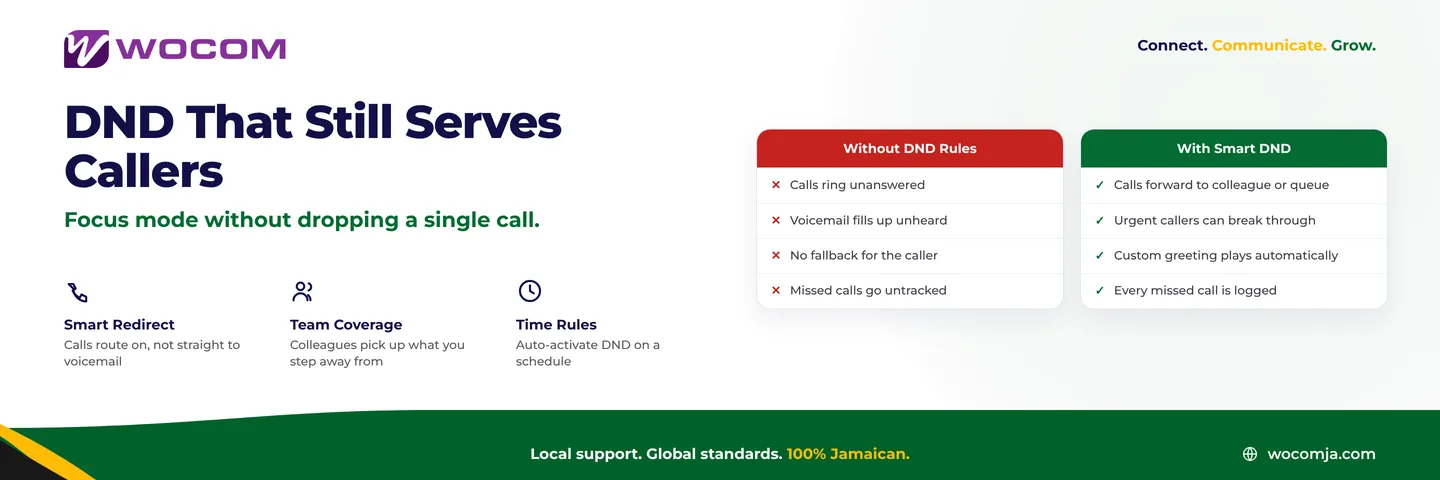
Do Not Disturb on your extension means calls hunt for the next available person rather than interrupting you in a client meeting or during a focused work block. You set it; the system respects it.
After-Hours Coverage Without Constant Availability
The hardest calls to hand off are after-hours calls. The instinct — especially in a growing business — is to pick up everything so no lead is lost. The result is an owner who is effectively on-call around the clock.
Cloud PBX gives you structured options that protect leads without requiring you to answer every late call personally:
- AI receptionist after hours — WOCOM AI remains live 24/7. Callers outside business hours receive a professional response, their details are captured, and you receive a notification with a call summary and contact information. You review it when you're ready — not in the moment.
- On-call rotation — For businesses that need a live person after hours, Cloud PBX supports rotating on-call routing that cycles through a staff list. The burden doesn't default to the owner.
- Emergency direct line — If genuine after-hours emergencies do need to reach you, a separate DID — known only to critical contacts — means real urgencies still get through without every routine caller having the same path to your phone.
Rolling This Out Without Disrupting Your Business
Switching from "everything rings the owner" to a properly structured Cloud PBX setup does not require downtime. Changes take effect immediately and can be tested before callers ever experience them.
A practical rollout sequence for most Jamaica businesses:
- Map your departments and confirm which staff handle each type of call.
- Build the auto-attendant menu with clear, short options for each department.
- Configure hunt groups so each department has a defined answer team.
- Set up WOCOM AI for overflow during business hours and full coverage after hours.
- Assign DIDs to staff handling specific call types so they can be reached directly.
- Remove your personal extension from the main inbound routing path.
- Test by calling the main number from an external line and walking every menu path.
Most Jamaica businesses complete this configuration in a single afternoon with WOCOM support on the line. Within a week, the owner's inbound call volume from the business number typically drops substantially — without a single customer enquiry going unanswered.
Talk to WOCOM About Your Current Setup
WOCOM works with Jamaica businesses of every size — from a two-person Kingston office to a multi-branch operation across the parishes — to build call routing that matches how your team actually works. The goal is always the same: every call reaches the right person, and the business owner stays in control without being in the middle of every conversation.
If your business number still rings your personal mobile first, it's time to change that. Visit wocomenterprise.com or speak with the WOCOM team directly — we'll review your current routing and show you exactly what a well-structured Cloud PBX setup looks like for your business.
Continue exploring
Ready to upgrade your communications?
Talk to our team about the right solution for your business.
Book a Demo Contact SalesEverett Kildare is WOCOM's voice and infrastructure specialist, with more than 25 years of experience designing and running carrier-grade voice, SIP and virtualization infrastructure. Holding a BSc in Information Technology, he has built, secured and migrated phone systems for businesses of every size. Everett writes WOCOM's technical coverage of SIP trunking, cloud PBX, contact centres, business continuity and migration.