Paging and Intercom: Talking to a Whole Building Through the Phones You Already Have
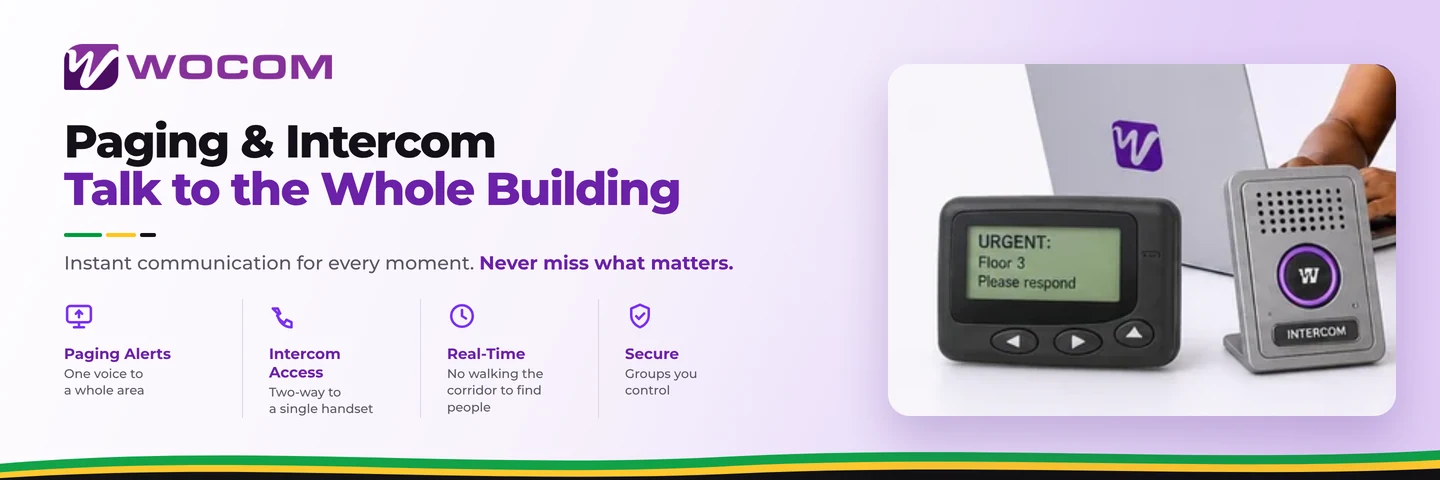
Paging broadcasts a live announcement through phone speakers — a group of desk handsets, or every handset in a building. Intercom does the same to one handset, which answers automatically on speaker so the person does not have to pick up.
Both used to require a dedicated public-address system: amplifier, ceiling speakers, cabling, and somebody to install it. On a cloud system they are configuration on the phones already on the desks.
Who this is actually for
Businesses where people are not sitting at a desk waiting for a call:
- Warehouses and distribution — calling a picker to the trade counter.
- Workshops and garages — where a phone ringing over machinery goes unheard.
- Clinics — moving staff between rooms without walking the corridor.
- Schools — period changes and announcements without a bell system.
- Retail with a stockroom — the most common case of all: a customer at the counter and nobody in front.
Paging groups, not the whole building
The mistake almost every business makes on day one is putting every handset in one paging group. Announcements that concern three people interrupt thirty, and within a fortnight staff stop listening to any of them.
Set up groups that match how the building works — front of house, stockroom, workshop, upstairs — and reserve an all-site group for things that genuinely concern everyone.
Where an existing PA system fits
Businesses with real overhead speakers do not have to abandon them. A paging adapter bridges the phone system to the existing amplifier, so a handset can page ceiling speakers in a warehouse where phone speakers would not carry over the noise. That is the one case where hardware is still worth buying.
Intercom, and the etiquette it needs
Intercom auto-answers on speaker. That is exactly what you want between a receptionist and a manager's desk, and exactly what you do not want into a room where a client is sitting.
Two rules keep it usable: restrict who can intercom whom, and let people set do-not-disturb on their own handset. A feature that can put a voice into any room at any time gets switched off entirely if it is not bounded.
Frequently Asked Questions
Do I need special speakers for paging?
Not for phone-based paging — the handsets are the speakers. A paging adapter to existing overhead speakers is worth it only in genuinely noisy spaces.
Can I page one area rather than the whole site?
Yes, and you should. Paging groups by area are what keep announcements from being tuned out.
What is the difference between paging and intercom?
Paging is one-way to a group. Intercom is two-way to a single handset that auto-answers on speaker.
Can remote staff be paged?
Paging is designed for handsets in a building. Reaching remote staff is a job for a ring group or a message rather than a page.
Getting started
Map the groups before switching anything on — that is the part that determines whether people listen. The Cloud PBX page covers the handset features, and the desk phone buyer's guide covers which handsets have speakers worth paging through.
Continue exploring
Ready to upgrade your communications?
Talk to our team about the right solution for your business.
Book a Demo Contact SalesEverett Kildare is WOCOM's voice and infrastructure specialist, with more than 25 years of experience designing and running carrier-grade voice, SIP and virtualization infrastructure. Holding a BSc in Information Technology, he has built, secured and migrated phone systems for businesses of every size. Everett writes WOCOM's technical coverage of SIP trunking, cloud PBX, contact centres, business continuity and migration.