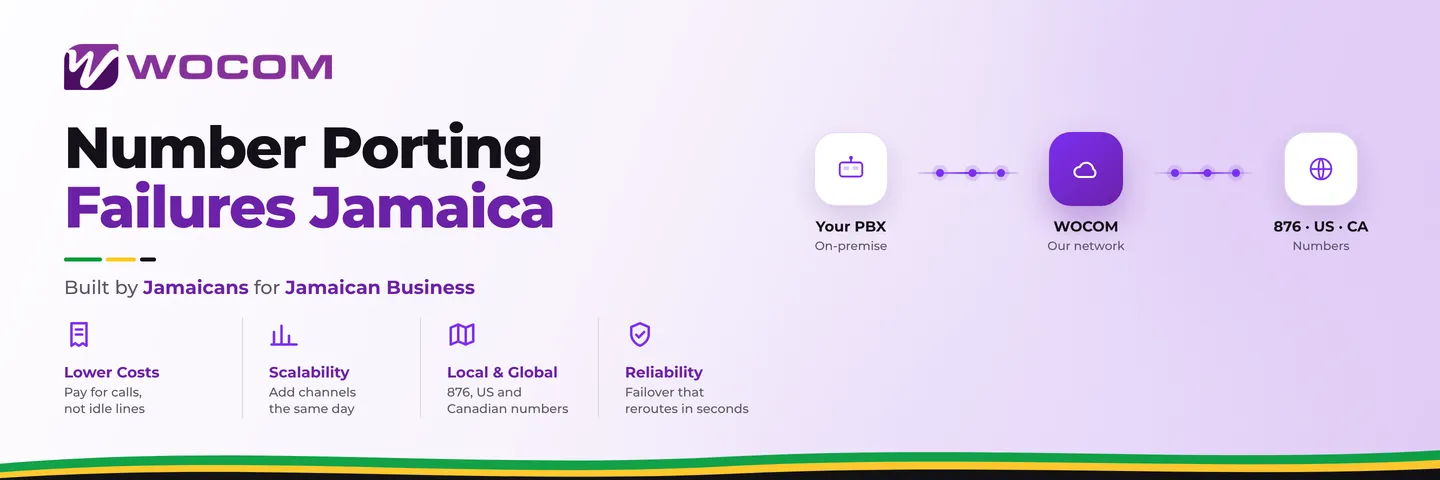
Number Porting Failures Jamaica: Why SIP Transfers Go Wrong and How to Prevent Them
Why Number Porting Has a Rough Reputation Among Jamaica Businesses
Your business phone number is on your shop signage, your Google Business profile, your cards, and in the memory of every customer who has ever called you. Moving it to a new provider should be a background administrative task. In practice, Jamaica businesses report delays ranging from several extra days to two or more weeks — and during that window, inbound calls either reach a disconnected prompt on the old provider's system or disappear entirely.
The problem is almost never the porting framework itself. Jamaica's number portability system works. Most failures trace back to preventable mismatches and skipped steps that happen before a single form is submitted. Understanding exactly what goes wrong is the fastest path to making sure it does not happen to your business.
The Five Most Common Causes of SIP Porting Failures in Jamaica
Porting requests are rejected at the carrier level when the submitted details do not exactly match what is on record with the losing provider. These are the five causes WOCOM encounters most often on failed first attempts.
- Account name mismatch. The porting form asks for the account holder's name exactly as it appears on the current billing account. If your number is registered under a trading name, a company name, or an abbreviated form, submitting the full legal entity name — or vice versa — triggers an automatic rejection. Punctuation counts.
- Wrong service address. The address on the porting form must match the address on the current provider's account, not your current physical premises. If you moved offices since the account was opened and never updated the address with your provider, the old address is what belongs on the form.
- Missing or expired authorisation code. Jamaica's numbering portability framework requires the account holder to request a porting authorisation code from the current provider. Some businesses request it too early — codes have a validity window — and it has expired by the time the form reaches the gaining carrier.
- Number flagged from a previous port attempt. If an earlier porting request was submitted and rejected but never formally withdrawn, some systems flag the number as still in-flight. A new request fails until the old one is explicitly cancelled on the losing carrier's side.
- Account in arrears or suspended. A number on a suspended or overdue account cannot be ported. Carriers reject the request outright. This catches businesses that assume they can port away from a provider they have stopped paying. Settle any balance and confirm the account is active before filing.
What to Prepare Before You Submit a Jamaica Porting Request
Most porting failures are entirely avoidable if you complete this preparation sequence before the request is filed.
Pull your current account record first. Log into your current provider's portal or speak to their billing team and obtain the exact registered account name, service address, and account number. Write them down verbatim — punctuation included — because you will replicate them on the porting form. What you think the account name is and what the carrier has on file are often different.
Request your authorisation code two to three business days early. Ask for it in writing — by email or through the provider's portal — so you have a timestamp if the validity period is ever disputed. In Jamaica the standard validity window is 30 days, but confirm this with your current provider since some carriers apply shorter windows on certain number types. Request it too far in advance and it may expire before the form is processed.
Confirm your account is in good standing. Check for any outstanding balance or suspension flag. Settle arrears and confirm the account is active. A suspension lifted on the same day as a porting request can still trigger a delay because system states do not always update in real time at the carrier level.
Check for any open port requests. Ask your current provider whether any porting activity is recorded against your number. If a previous attempt exists — whether it was yours or filed in error by someone else — have it formally cancelled before filing the new request.
Running Both Lines in Parallel During the Transfer
Even a well-prepared port takes a few business days to complete. During that window, calls need to keep reaching your team. The professional approach is to run both services in parallel rather than cutting over on the day you submit the request.
In practice, this means:
- Setting up your new SIP trunk or cloud PBX environment — extensions, ring groups, voicemail, call routing — on a temporary number before the port completes.
- Training staff on the new system while the old service is still live.
- Keeping the old number active and answering until you receive confirmation that the port has completed and you have personally verified that inbound calls on the ported number are routing correctly to the new system.
- Only then decommissioning the old service.
Businesses that cancel the old service before the port is confirmed create their own gap. A confirmation email from the carrier is not sufficient — make a live test call from a mobile number your business has never received a call from before, and confirm it routes to the right extension. Then shut down the old account.
The cutover test call is the single most skipped step in number porting. It takes sixty seconds and eliminates any possibility that you went live on a broken configuration.
What to Do If a Port Request Is Rejected
A rejection does not restart the clock from zero. Most carriers allow a corrected request to be resubmitted within a short window without losing your place in the queue entirely. The key is acting on the rejection reason the same day rather than waiting.
When WOCOM handles a porting request for a new client, the process includes a pre-submission account audit — cross-checking the submitted details against what the current carrier has on record — before the request is filed. This step eliminates the most common rejection causes before they can delay a go-live date.
If a port you submitted yourself is already stalled, the fastest resolution path is to contact both your current provider and your gaining provider on the same business day. Confirm the rejection code, determine whether the fix is a data correction or a procedural withdrawal and resubmission, and file the corrected request as soon as the issue is resolved. Every day you wait extends the delay.
Take Your Business Number With You — Without the Wait
Your business number belongs to you. Jamaica's number portability framework exists precisely so you are not held captive by a provider whose service no longer meets your needs. The process works reliably when the groundwork is done properly, and the businesses that experience it most smoothly are the ones that treat the preparation phase as seriously as the porting request itself.
WOCOM handles SIP trunk porting for businesses across Kingston, Montego Bay, and throughout Jamaica — including 876 and 658 numbers and multi-number accounts across multiple sites. If you have a stalled port that needs to be unstuck, or you are planning a migration and want to get it right the first time, talk to the WOCOM team before you submit anything.
Contact WOCOM today at wocomja.com/contact to start a pre-porting account review and put a parallel-run plan in place before your request goes in.
Continue exploring
Ready to upgrade your communications?
Talk to our team about the right solution for your business.
Book a Demo Contact SalesEverett Kildare is WOCOM's voice and infrastructure specialist, with more than 25 years of experience designing and running carrier-grade voice, SIP and virtualization infrastructure. Holding a BSc in Information Technology, he has built, secured and migrated phone systems for businesses of every size. Everett writes WOCOM's technical coverage of SIP trunking, cloud PBX, contact centres, business continuity and migration.