Conference Call or Video Meeting? How Jamaican Teams Should Choose Between Them
Somewhere in the last few years, video became the default. Meetings that had worked fine as phone calls for a decade acquired cameras, and a good share of them got worse: people joining late because a link would not open, participants staring into a laptop rather than the document under discussion, and a colleague on the road who now cannot take part at all.
Both formats are good at different things. The mistake is not choosing one — it is choosing the same one for everything.
What a conference call is genuinely better at
An audio conference asks almost nothing of the people joining it. That is its entire advantage, and it is a bigger one than it sounds.
- Anybody can join from anything. A handset, a mobile on a bad signal, a desk phone in a warehouse. No camera, no browser, no link.
- It survives a poor connection. Audio needs a fraction of what video does. When the connection is marginal, an audio call degrades gracefully where video falls over.
- People can be doing something else. Driving between Kingston and Mandeville, walking a site, standing on a shop floor. Video quietly excludes everyone who cannot sit still and look at a screen.
- It is faster to start. Dial in and you are there.
If your meeting is a status update, a quick decision between two or three people, or a call where half the participants are moving around, the phone is not the old-fashioned choice. It is the correct one. Our guide to conference calling on Cloud PBX covers how to set that up properly.
What video is genuinely better at
Video earns its overhead when something has to be seen, or when the relationship in the room matters as much as the words.
- Anything with a document, a screen or a number on it. Screen sharing removes an entire category of misunderstanding.
- First meetings with a client. Faces build trust faster than voices, particularly with customers overseas who will never visit your office.
- Training and onboarding. Showing beats describing, and a recording of the session is reusable.
- Meetings where you need to read the room. Twelve silent people on an audio call are unreadable; on video you can at least see who wants to speak.
- Anything worth recording. A recorded walkthrough with the screen visible is a training asset. A recorded audio call is usually just a transcript nobody reads.
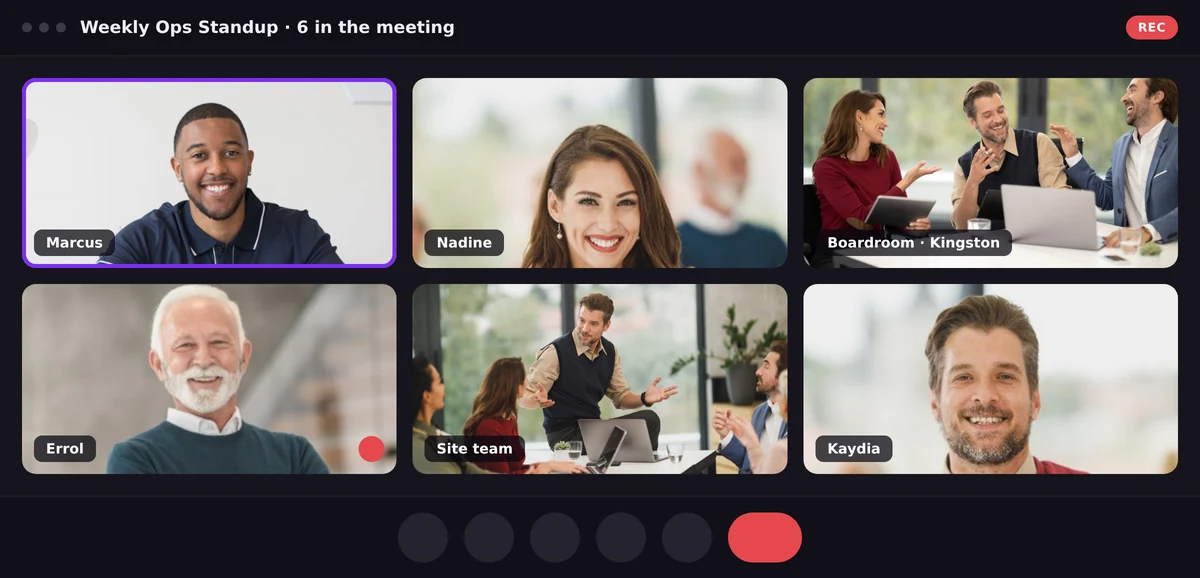
Video earns its overhead when the room, the document or the faces matter. Otherwise, the phone still wins.
The honest trade: video costs you attendance
Here is the part that rarely makes it into the comparison. Every requirement you add to joining a meeting removes some of the people who would otherwise have been in it.
A link removes anyone without data at that moment. A camera removes anyone who is driving or on a site. An application to install removes anyone on a locked-down work laptop — and, on a customer call, quite a few customers.
That last one is avoidable, and it is worth choosing a platform on. A browser-based meeting with no download and no account keeps the cost of joining close to the cost of answering a phone call. On WOCOM Meet a guest opens the link, gives a name, and is in — no app, no sign-up, on any modern browser.
A rule of thumb
| If the meeting is… | Use |
|---|---|
| A status update among people who work together daily | Audio |
| A first conversation with a new client | Video |
| Anything with a document, quote or screen in it | Video |
| Participants who are driving or on site | Audio |
| Training you want to keep and reuse | Video, recorded |
| A decision needed in the next ten minutes | Audio |
You should not have to pick a vendor to pick a format
The reason this decision feels heavier than it should is that many businesses buy the two capabilities from different places: the phone system from one provider, meetings from another, on a separate per-user subscription. That is what turns “should this be a call or a meeting?” into a question about which tool the company has paid for.
It does not need to be a decision at all. WOCOM Meet arrives with the WOCOM phone system — the same account, no separate video subscription — so a team can dial an extension when audio is the right answer and send a link when it is not, without anyone weighing the licence cost first. Both formats, one bill, one place to look for the record afterwards.
Frequently Asked Questions
Is a video meeting always better than a conference call?
No. Audio is better when participants are mobile, when the connection is poor, or when the meeting is a quick decision among people who already know each other. Video is better when something has to be seen, when the relationship is new, or when the session is worth recording.
Does a video meeting use much more data than an audio call?
Considerably more, which is why audio holds up better on a weak mobile connection. If some participants are joining from the road, audio is usually the more reliable choice for everyone.
Can guests join a WOCOM Meet video meeting without installing anything?
Yes. It runs in Chrome, Edge, Firefox, Safari and Opera on desktop and mobile. Guests give a first and last name and join from the browser — no app and no account.
Do we need a separate subscription for video meetings?
Not with WOCOM. Meet comes with the WOCOM phone system, so video is not a second product with its own per-user bill.
Choosing well
The teams that get this right are not the ones with a policy. They are the ones where both formats are equally available, so the choice gets made on what the meeting needs rather than on what the company happens to be paying for. If you want to see what that looks like, start with the WOCOM Meet page or talk to the WOCOM team about the phone system underneath it.
Continue exploring
Ready to upgrade your communications?
Talk to our team about the right solution for your business.
Book a Demo Contact SalesMichelle Goss is a data and AI analyst at WOCOM, where she studies how Jamaican businesses use voice, messaging and AI to win and keep customers. With a BSc in Data Science & Analytics, she turns call data, customer trends and AI receptionist performance into practical guidance owners can act on. Michelle writes WOCOM's coverage of AI call handling, call analytics, customer growth and industry trends.