Which Handset for Which Desk: Choosing WOCOM Phones by Use Case
Most businesses buy handsets the wrong way round: one model for everybody, chosen on price, then a few executives get something nicer. The result is a receptionist fighting a phone with two line keys and a store room with a device that has a colour screen nobody looks at.
Handsets rent monthly on WOCOM rather than being bought outright, which makes it cheap to match the phone to the desk. Here is what to put where.
The person who lives on the phone
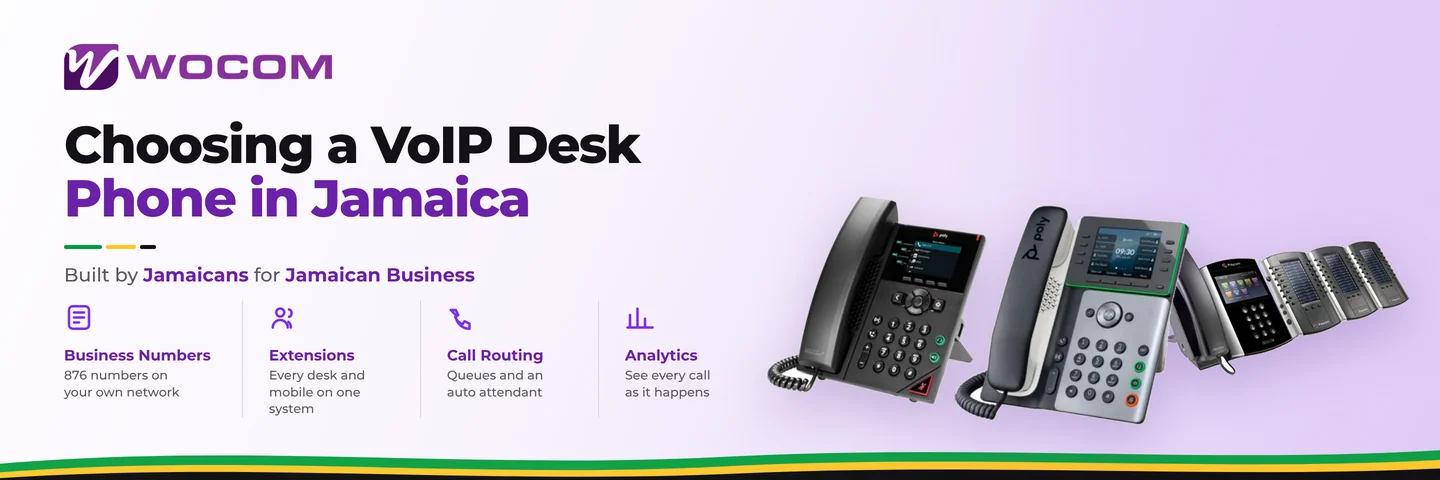
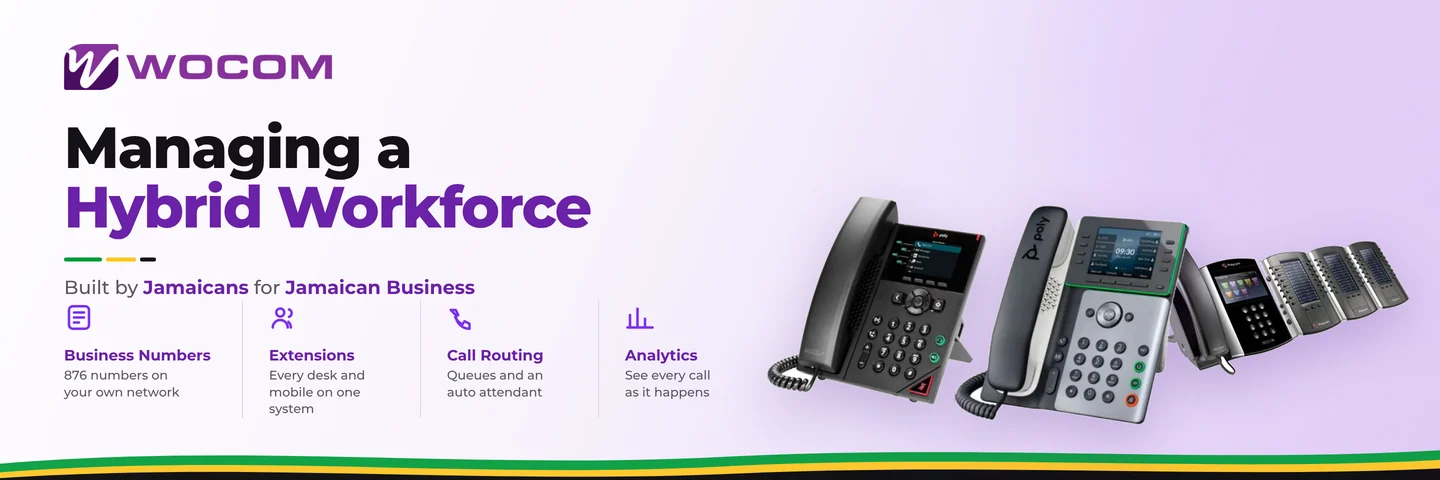
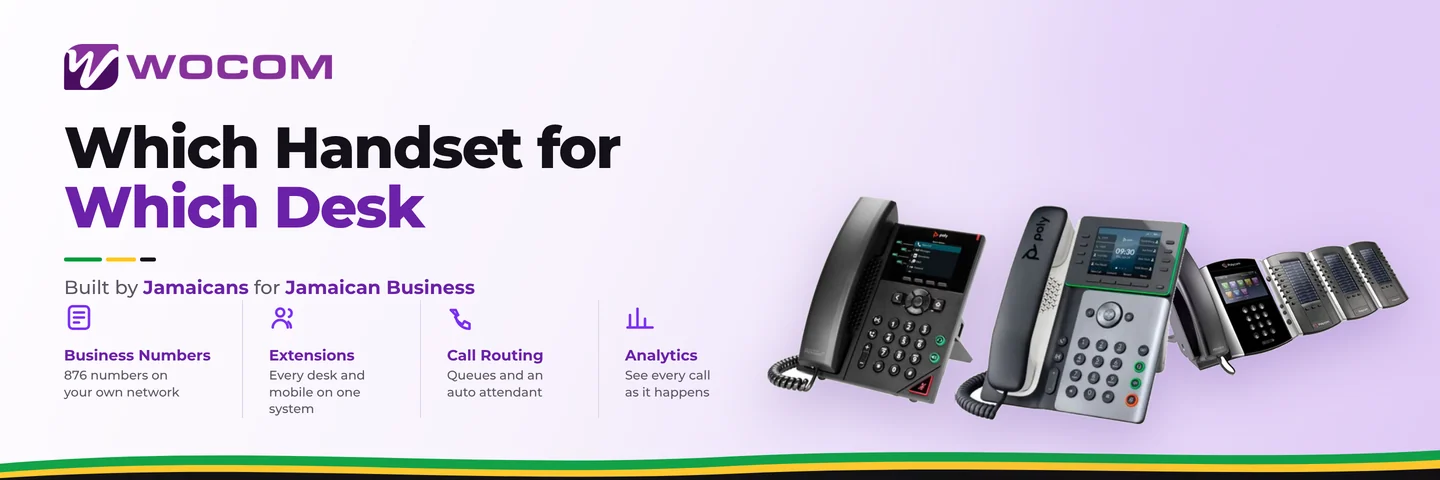
Poly Edge E220 — J$3,500/mo or Poly Edge E300 — J$5,000/mo
Sales, dispatch, service desk: anyone handling calls continuously all day. What matters here is not the screen, it is the handset comfort, the speakerphone quality and having enough line keys to see who is on a call without navigating a menu.
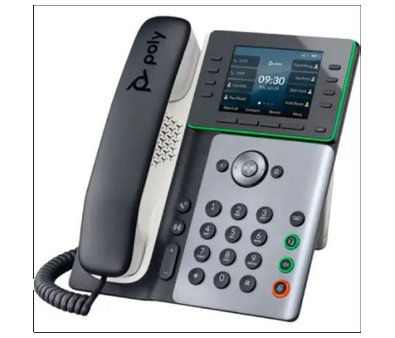
The Poly Edge E300 — for desks where the phone is the job.
The standard desk
Polycom VVX 150 or VVX 300 — J$2,000/mo, Poly VVX 250 — J$2,500/mo, Poly Edge B20 — J$2,500/mo
Most people in most offices. A handful of calls a day, a transfer here and there. These are the models to standardise on, and the money saved by not over-specifying them is what pays for getting reception and the heavy users right.
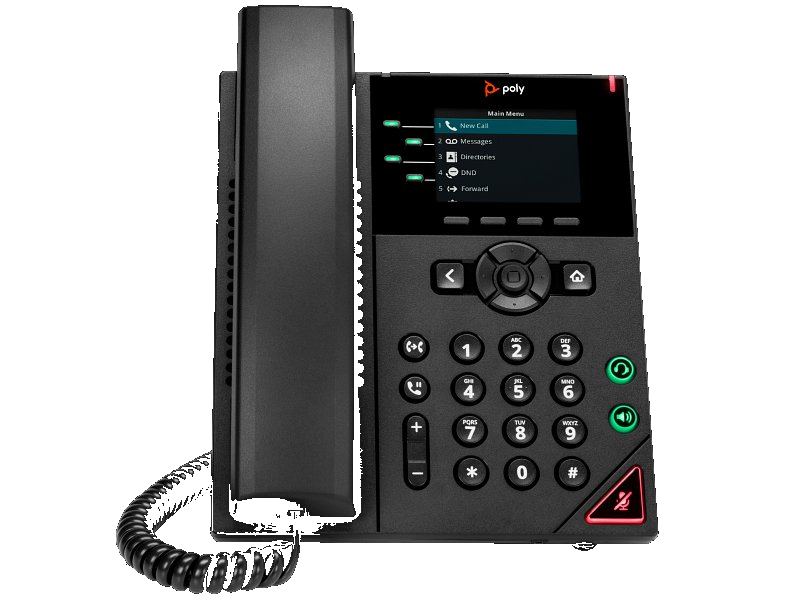
The VVX 250 — the sensible default for a normal desk.
Reception and the operator position
Polycom VVX 500 Operator Panel — J$4,500/mo or Poly E500 Operator Panel — J$7,500/mo
This is the one desk where spending more is unambiguously worth it. A receptionist transferring forty calls a day needs to see at a glance who is free, who is on a call and who has stepped out — that is what the operator panel's key expansion gives you. Without it, every transfer becomes a guess followed by an apology.
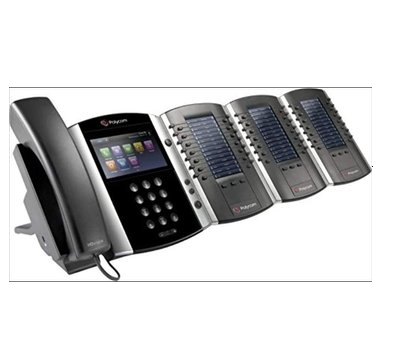
An operator panel pays for itself in transfers that land first time.
Common areas, hotel rooms and the store room
Poly Edge E100 — J$2,500/mo
Corridors, workshops, guest rooms, the phone by the loading bay. Occasional use, needs to be clear and simple. Skip the executive models here entirely — nobody is reading a colour display in a warehouse.
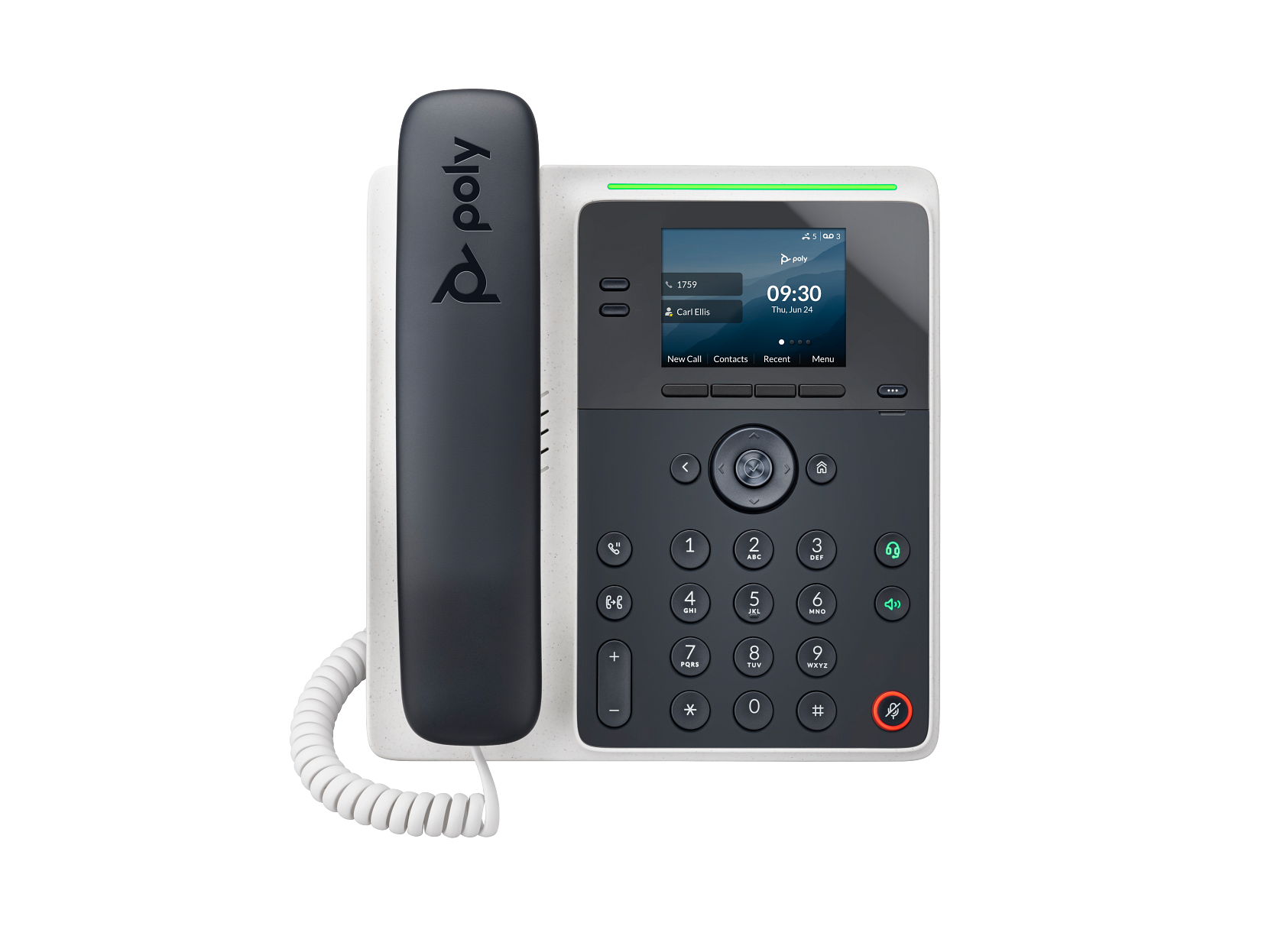
The Edge E100 — modern audio without paying for a screen nobody uses.
The executive office
Polycom VVX 500 — J$3,500/mo or Poly Edge E450 — contact sales
Larger display, better speakerphone for the conversations that happen with two other people in the room, and Bluetooth pairing where the person moves between a headset and the handset. This is a genuine requirement rather than a status purchase in one specific case: offices where calls are regularly taken on speaker with others present.
Staff who are rarely at a desk
WOCOM Mobile App — J$1,500/mo per extension
Field staff, drivers, remote workers, anyone whose desk is wherever they happen to be. The app carries the same extension, so they are reachable internally and their outbound calls show the business number rather than their personal one — see the remote worker guide.
Plenty of businesses run a mixed estate: handsets for the people in the building and the app for everyone else. That is usually the cheapest correct answer.
Phones you already own
Bring Your Own Device — J$1,000/mo per extension
If you have SIP handsets that are not locked to a previous provider, they can often be re-registered rather than replaced. Worth checking before ordering anything — the saving is real, and auto-provisioning means they configure themselves once they are pointed at the right place.
The part people forget: the switch
Desk phones are powered over the network cable, which needs a switch that supplies Power over Ethernet. WOCOM rents managed Cisco PoE switches from J$4,500/mo for a Catalyst 2960 up to J$15,000/mo for a high-density C9300L-48P.
Two reasons this matters more than it sounds. Without PoE you need an injector per phone, which is a cable mess and a per-desk cost. And because the phones depend on the switch, putting the switch and router on a small UPS is what keeps your phones alive through a short power cut.
A worked example: a fifteen-person office
- 1 × operator panel at reception — the highest-value single purchase.
- 3 × Edge E220 for sales and dispatch.
- 8 × VVX 250 for standard desks.
- 1 × Edge E100 for the store room.
- 2 × mobile app for the two people who are never in.
- 1 × PoE switch to power the lot.
The instinct is to give all fifteen the same phone. Spending the difference on reception and the three heavy users, and saving it on the store room, costs about the same and works considerably better.
Frequently Asked Questions
Do I buy handsets or rent them?
They rent monthly, which is what makes it practical to match the model to the desk rather than standardising on one compromise.
Can I use phones I already have?
Often yes, at J$1,000/mo per extension, provided they are SIP handsets not locked to a previous provider.
Do I need a special switch?
Desk phones need Power over Ethernet, from either a PoE switch or an injector per phone. Managed PoE switches are available on monthly rental.
Which phone should a receptionist have?
One with an operator panel. It is the single desk where the expensive option is clearly justified.
Do remote staff need a handset at all?
Usually not. The mobile app carries the same extension for J$1,500/mo.
Getting started
Count the desks by how the phone is used rather than by seniority, and the list writes itself. The full line-up, specifications and current pricing are on the Cloud PBX page, and the desk phone buyer's guide covers what to look for in a handset generally.
Continue exploring
Ready to upgrade your communications?
Talk to our team about the right solution for your business.
Book a Demo Contact SalesEverett Kildare is WOCOM's voice and infrastructure specialist, with more than 25 years of experience designing and running carrier-grade voice, SIP and virtualization infrastructure. Holding a BSc in Information Technology, he has built, secured and migrated phone systems for businesses of every size. Everett writes WOCOM's technical coverage of SIP trunking, cloud PBX, contact centres, business continuity and migration.