Using 4G & 5G Mobile Internet for Your Business Phone System (Failover & Remote)
Yes — your WOCOM business phones will run perfectly over 4G LTE and 5G mobile internet, exactly the way they run over fibre or cable. A WOCOM phone system is VoIP (voice over the internet), so it does not care whether the data arrives down a fibre line or over the airwaves from a mobile mast. That makes 4G & 5G business phone Jamaica setups two things at once: a primary connection for any business that has no fixed line, and a rock-solid automatic backup for businesses that do. Whether you are running a pop-up shop in Ocho Rios, a food truck in Negril, a construction site in rural St Elizabeth, or a busy office in Kingston that simply refuses to lose calls when the storm knocks out the cable, mobile internet keeps your lines alive.
How a 4G & 5G business phone in Jamaica actually works
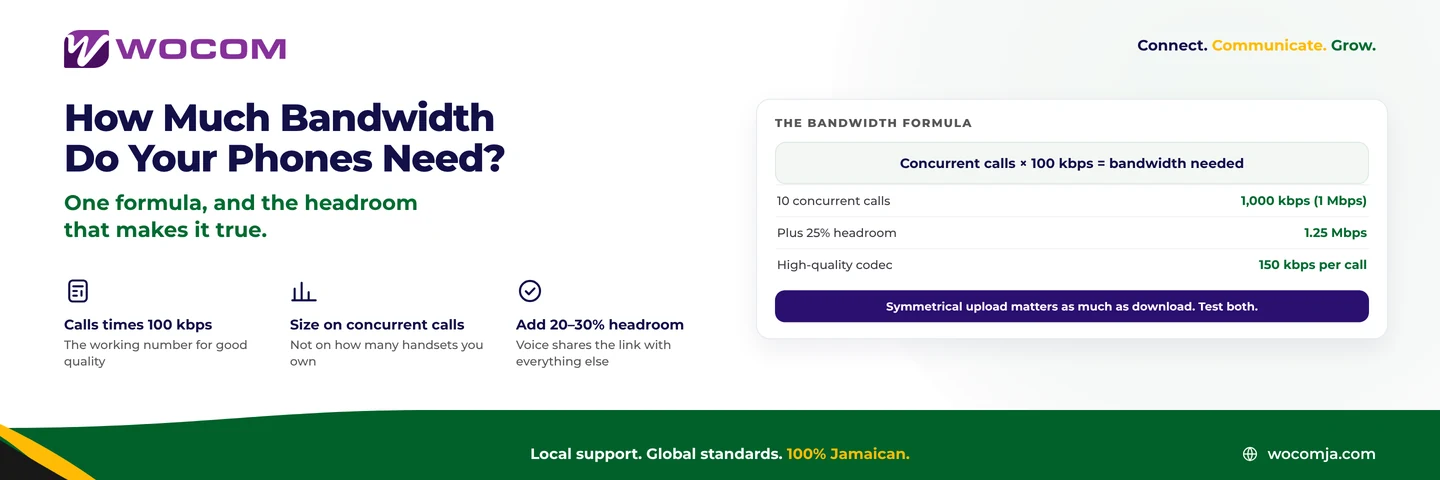
Every WOCOM call is converted into small data packets and sent across the internet to our network, which we own and operate under a Jamaican telecoms licence. Because it is just data, any working internet connection will carry it — and 4G LTE and 5G mobile data are exactly that. A single voice call uses a remarkably small amount of bandwidth, on the order of about 1 MB per minute, so even a modest mobile signal can comfortably handle several simultaneous calls.
There are two common ways to get your phones onto mobile internet:
- A mobile router or MiFi device — a small box with a SIM card that creates a Wi-Fi network. Your desk phones, the WOCOM mobile app, and any computer softphones connect to it just as they would to office Wi-Fi.
- A dual-WAN router with a SIM slot — a single router that takes both your fixed line (fibre or cable) and a mobile SIM, and switches between them automatically. This is the heart of any serious failover setup, covered below.
For the full picture of how WOCOM rides on top of whatever connection you have, see our guide to business phone internet options in Jamaica.
4G vs 5G for business voice
Both 4G and 5G are more than capable of carrying clear, professional calls. The difference matters most when you have many handsets or you want headroom for video, file transfers and card terminals on the same connection.
4G LTE
4G is widely available across the island, including many rural districts where fixed broadband never reached. For a small team — say two to ten extensions — a good 4G signal is plenty for crisp voice. It is the workhorse for market stalls, events and remote staff.
5G
Where 5G coverage exists, it brings lower latency and far more bandwidth, which is ideal for voice because it keeps conversations natural with no lag or talk-over. 5G is the better choice for larger pop-up operations, a busy seasonal shop in Montego Bay, or any site where the mobile link is also feeding tablets, point-of-sale and Wi-Fi for customers. As 5G continues to roll out, it increasingly rivals fixed broadband for reliability.
Mobile internet as your primary connection
Plenty of WOCOM customers have no fixed line at all — and they do not need one. If your business moves, is temporary, or sits somewhere the cable does not reach, mobile internet becomes your main connection and your full phone system rides on it. Real examples we set up across Jamaica:
- Pop-up and seasonal shops — a craft stall in Ocho Rios or a Christmas pop-up in a Kingston plaza, live with a proper business number in minutes.
- Market stalls and vendors — take orders and bookings on a real extension rather than a personal mobile.
- Construction sites — a site office in St Elizabeth or Trelawny with full phones from day one, long before any line is installed.
- Events and conferences — registration desks and on-site coordination with proper transferable extensions.
- Food trucks — one number that follows the truck wherever it parks in Negril or New Kingston.
- Remote and field staff — anyone working from home or on the road, with no fibre required.
For teams that work this way every day, our post on cloud extensions anywhere for mobile and remote work goes deeper into running a distributed team with zero hardware investment.
Automatic failover: phones that never go dark
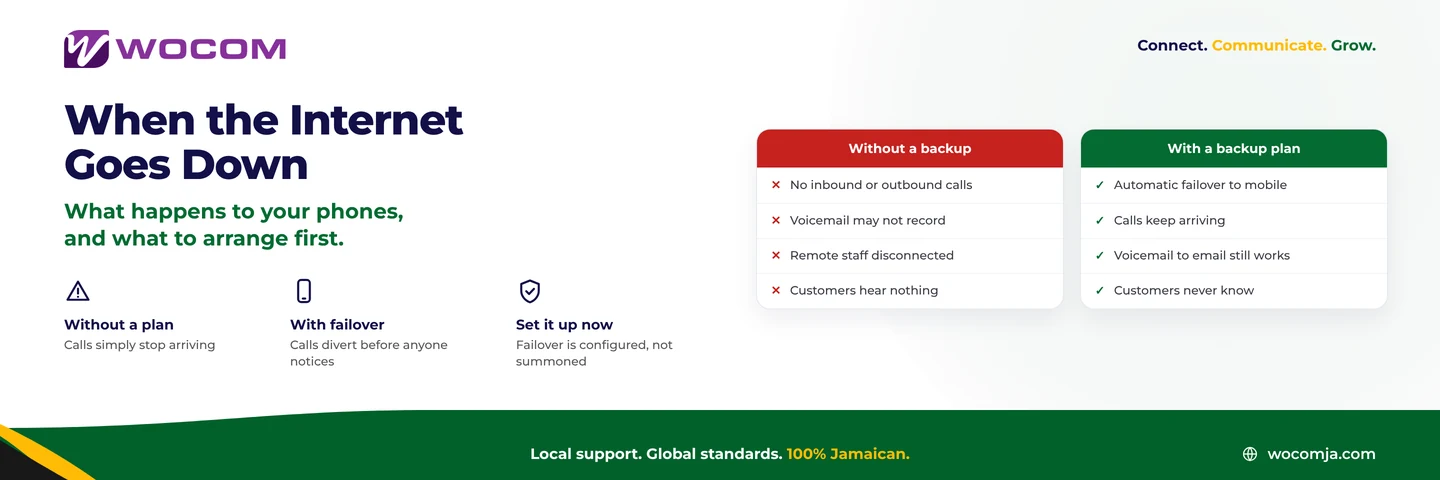
This is where mobile internet earns its keep for established businesses. Jamaica's weather is no secret — storms, heavy rain and the occasional cut cable can take a fixed line down without warning. With a dual-WAN router and a 4G/5G SIM as backup, the moment your primary fibre or cable link drops, the router switches to mobile data automatically, in seconds. Your calls keep flowing. Customers never hear a dead line. Your team may not even notice the change.
This automatic failover is central to the WOCOM 99.999% uptime SLA. We do not just promise uptime on paper — we engineer it, with the backup path baked into your connection so a single outage cannot take your business offline. During hurricane season especially, a mobile failover SIM is the difference between a quiet afternoon and a silent, unreachable business.
How a typical resilient setup looks:
- Primary: fibre or cable broadband for everyday traffic.
- Backup: a 4G/5G SIM in the dual-WAN router, on standby.
- Switchover: automatic and near-instant when the primary fails, with calls in progress protected.
- Recovery: the router returns to the primary line once it is healthy again.
The WOCOM mobile app: your extension anywhere
You do not always need a router and a desk phone. The WOCOM mobile app turns any staff member's smartphone into their full office extension, working over 4G, 5G or any Wi-Fi. That means:
- Staff make and take calls on their business number wherever they are — same extension, same caller ID, whether they are in the office or on a job in Mandeville.
- Internal transfers, voicemail and the company directory all travel with them.
- No personal numbers exposed, and the business keeps every call within its own system.
For a pop-up team or field crew, the app alone can be the entire phone system — every person carries their extension in their pocket, riding the nearest mobile signal.
Data usage and practical tips
Voice is light. At roughly 1 MB per minute, a staff member who spends two solid hours a day on calls uses only a little over 100 MB — well within most mobile data plans. Even so, a few practical points keep things smooth:
- Check your signal. Position the router or MiFi where the mobile signal is strongest — near a window or higher up. A bar or two more makes a real difference to call quality.
- Pick a sensible data plan. Account for everything sharing the connection — phones, tablets, card terminals — not just voice. A plan with a comfortable monthly allowance avoids surprises.
- Keep an eye on the SIM in failover setups. A backup SIM that sat idle for months can lapse. Make sure the account stays active so it is ready the day you need it.
- Use the mobile app for staff on the move. It is the simplest way to give roaming team members a full extension without extra hardware.
- Prioritise voice if needed. On a busy shared connection, our team can help configure the router so calls always get priority over downloads.
When to combine mobile with fibre or Starlink
Mobile internet is brilliant on its own, but it is at its most powerful as part of a layered setup. The most resilient WOCOM sites combine connections so that no single failure can silence the phones:
- Fibre primary + 4G/5G failover — the classic city-office setup for Kingston and Montego Bay businesses that cannot afford downtime.
- Starlink + mobile failover — ideal for remote resorts, farms and rural districts where both a satellite link and a mobile SIM provide independent paths. See our guide to Starlink business phone service in Jamaica.
- Mobile-only — perfectly valid for pop-ups, food trucks and temporary sites that just need to be live, fast.
Whatever the mix, your phones connect to the same WOCOM Cloud PBX on our own licensed network, so the features — extensions, transfers, voicemail, the mobile app — stay identical no matter how the data gets there.
Frequently Asked Questions
Will call quality be as good on 4G or 5G as on fibre?
With a decent signal, yes. Voice uses very little bandwidth, so a solid 4G connection delivers clear calls, and 5G gives you extra headroom with lower latency. The main factor is signal strength, so positioning your router well is the key.
How much mobile data does a business phone use?
About 1 MB per minute of conversation — very light. A full day of heavy calling for one person is typically a few hundred megabytes at most, so most standard data plans cope easily, even with several phones sharing the link.
How fast does failover switch to the backup SIM?
A properly configured dual-WAN router switches in seconds, automatically, the moment the primary line drops. Calls keep flowing and customers do not hear a dead line. This automatic backup is part of how WOCOM delivers its 99.999% uptime SLA.
Can staff use their extension from a phone with no office connection?
Absolutely. The WOCOM mobile app turns any smartphone into a full office extension over 4G, 5G or Wi-Fi — same number, same features — so your team stays reachable from anywhere on the island.
Ready to keep your phones alive through storms, outages and on the move? WOCOM will design the right mobile, failover or hybrid setup for your business on our own licensed network, backed by 876 support and a 99.999% uptime SLA. Contact us today to get started.
Continue exploring
Ready to upgrade your communications?
Talk to our team about the right solution for your business.
Book a Demo Contact SalesEverett Kildare is WOCOM's voice and infrastructure specialist, with more than 25 years of experience designing and running carrier-grade voice, SIP and virtualization infrastructure. Holding a BSc in Information Technology, he has built, secured and migrated phone systems for businesses of every size. Everett writes WOCOM's technical coverage of SIP trunking, cloud PBX, contact centres, business continuity and migration.