WOCOM Alex Explained: What Jamaica's Built-In AI Receptionist Can Do for Your Business
What Is WOCOM Alex?
WOCOM Alex is the AI-powered receptionist built into every WOCOM Cloud PBX account. When a call comes in and your team is occupied — in a meeting, serving a walk-in customer, or after your office closes for the evening — Alex picks up, speaks naturally with the caller, and takes the right action: recording a message, scheduling an appointment, routing the call to a staff member, or answering a product question.
Alex is not a traditional IVR phone menu. It does not tell callers to "press 1 for sales, press 2 for accounts." It listens to natural speech, understands the caller's intent, and responds conversationally. For a Kingston business fielding 60 inbound calls a day or a Montego Bay service provider running a two-person front desk, Alex functions as a first point of contact that never gets tired, never goes to lunch, and never lets a call ring unanswered.
What makes Alex different from a basic voicemail is structure. Instead of a raw audio recording no one gets around to playing, Alex logs a clean summary — caller name, number, reason for calling — and alerts your team immediately. That difference alone changes how many enquiries actually get followed up.
What Alex Does on the Starter Plan (Free with Every Cloud PBX)
Every WOCOM Cloud PBX account includes the Starter AI tier at no additional charge. This is not a trial or a limited preview — it is a fully functional AI receptionist included as standard from day one.
On Starter, Alex provides:
- 24/7 call answering — including weekends, public holidays, and after hours
- Smart message capture — Alex collects the caller's name, phone number, and reason for calling in a structured format, not a raw voicemail recording
- Email notifications — your team receives an alert after every call, with the full message details ready to act on
- Professional greeting — customised with your business name and a script you approve before going live
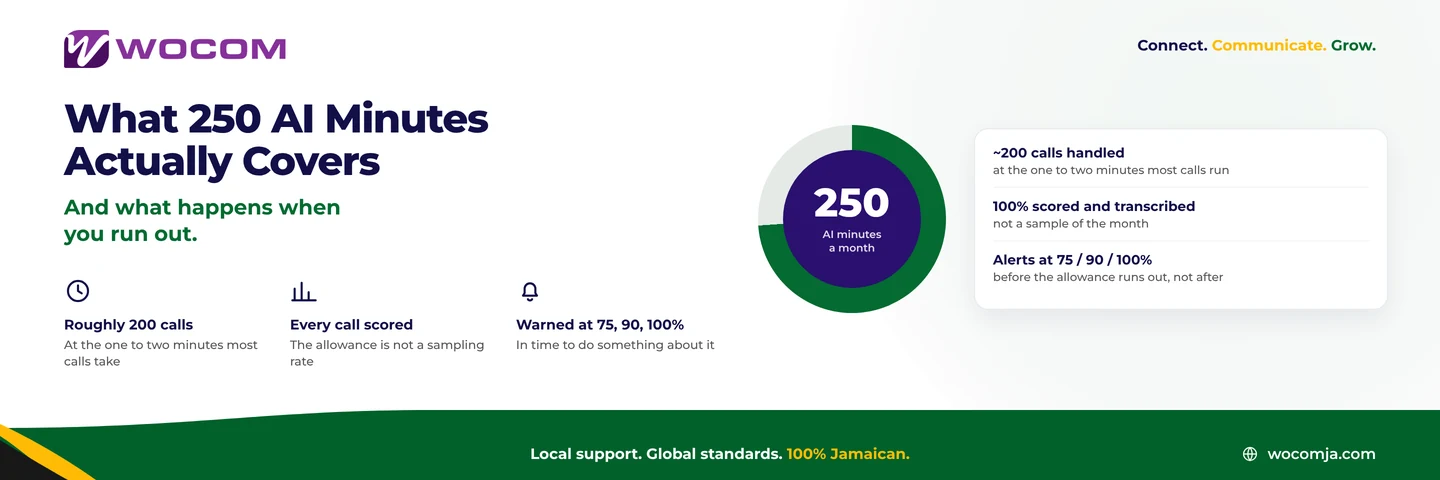
- 250 minutes of AI call time per month — approximately 125 two-minute calls
Starter does not include live call transfers to a human agent, appointment booking, or SMS and WhatsApp notifications. For most small Jamaica businesses — a tax prep office in Spanish Town, a boutique in New Kingston, a hardware supplier in May Pen — Starter covers the vast majority of inbound scenarios without any additional spend.
What the Pro and Max Plans Add
For businesses where inbound calls drive bookings, sales, or service scheduling, the Pro and Max tiers extend Alex from message-taker to active call handler.
Pro (750 minutes per month):
- Live call transfer — Alex can route an active call to a human agent when the situation calls for it
- Warm transfer — Alex briefs the agent before connecting, so the caller never has to repeat themselves
- Appointment booking — Alex checks availability and schedules directly during the call
- SMS and WhatsApp notifications — message alerts go to your team's mobile devices in real time, not just email
- Custom call scripts — conversation flows tailored to your specific business type and common enquiry patterns
- Multilanguage support — serve callers who prefer Spanish or other languages
Max (1,500 minutes per month):
- Everything in Pro, plus inventory integration — Alex can answer caller questions about product availability and pricing using your uploaded stock data
- Google Sheets integration — appointments and call records sync automatically to your team's shared spreadsheets
- Excel and database integration — for operations with more complex existing data workflows
Pro is the right step for medical clinics, law firms, and service businesses where appointment booking is the primary call outcome. Max suits wholesale distributors, auto parts dealers, and multi-location retailers where product availability questions make up a large share of inbound calls. Contact WOCOM for current Pro and Max pricing — these tiers are configured with the sales team to match your specific call volume and business needs.
AI Sentiment Analysis: The Capability Most Businesses Overlook
Every WOCOM account also includes 500 AI Sentiment Call Analyses per month. This is separate from the AI receptionist — it runs on completed calls and evaluates the emotional tone of each conversation.
Sentiment analysis answers questions your call logs cannot: Was the caller frustrated before the call ended? Did the interaction close positively or negatively? Which call types generate the most friction with your staff? The system flags interactions that warrant follow-up — a callback to a dissatisfied customer, a coaching session for a staff member whose calls trend negative, or a process change when a particular enquiry type consistently agitates callers.
For businesses in Kingston running any kind of customer-facing operation — a contact centre, a financial services desk, a support line for a distributed sales team — 500 analyses per month covers a meaningful sample without any manual review effort from management.
Which Jamaica Businesses Get the Most from Alex
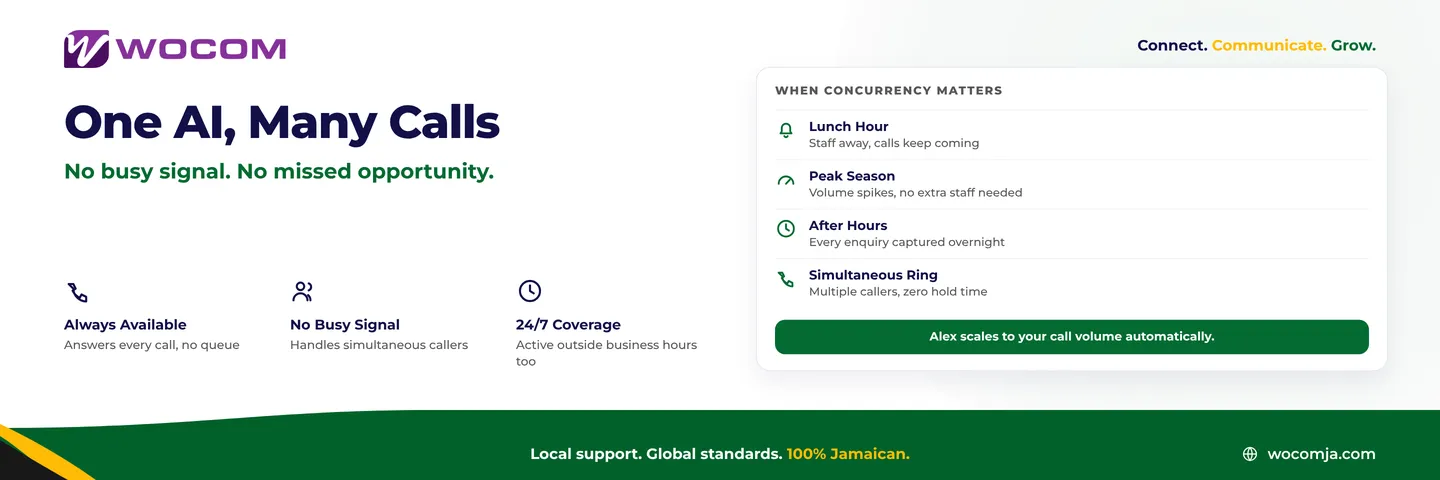
Alex performs best when inbound calls follow predictable patterns. The more structured the typical caller's need, the more reliably Alex resolves it without escalating to a human.
Strong fits:
- Medical and dental clinics — appointment booking is the dominant call type; Alex handles it without putting patients on hold during a busy surgery
- Legal and accounting firms — client intake calls follow a consistent structure; Alex captures name, contact details, and the nature of the enquiry
- Contractors and field service businesses — team members are often on-site and unreachable; Alex captures the lead and fires an SMS so the owner responds when free, rather than losing the job to a competitor who answered
- Retail and service businesses — peak-hour and after-hours calls that previously rang out are now answered and logged
- Multi-location businesses — Alex acts as the unified front desk across all branches simultaneously, with one consistent greeting and message standard
Calls that require genuine empathy, complex negotiation, or situational judgment — a complaint from a long-standing client, a credit dispute, a sensitive inquiry — are better handled by a human. On the Pro tier, Alex recognises when a call is escalating and executes a warm transfer before the caller's frustration peaks.
What to Set Up Before Alex Goes Live
Businesses that see consistent results from Alex invest time in the onboarding step: the script. WOCOM's team configures your greeting, your message-collection prompts, and your escalation logic before activation. Getting this right upfront ensures callers have a professional experience from the first second — not a generic or confusing one.
A few practical notes before launch:
- Your follow-up speed determines conversion — Alex captures the lead; your team's response time determines whether that caller becomes a customer. Aim to return messages within two hours during business hours.
- Minutes count from connection — the monthly allowances start from the moment the call connects, including short calls and wrong numbers.
- Scripts can be updated anytime — seasonal promotions, new services, changed hours, or a new branch can all be reflected in a script update through WOCOM without touching your number or system configuration.
- Callers accept AI when it is clear and professional — a clean greeting that states your business name and explains what Alex can help with sets the right expectations immediately. Most callers who receive a structured message callback within the hour regard the experience as more reliable than a standard voicemail.
Get Alex Working for Your Jamaica Business
WOCOM Alex is included with every Cloud PBX account — no separate contract, no activation fee on Starter. If you are already a WOCOM customer, your Starter AI receptionist is provisioned and waiting; contact WOCOM to configure your custom script and switch it on.
If you are evaluating WOCOM for the first time, Alex is part of the standard package from day one. Every business that moves to WOCOM Cloud PBX gets 24/7 AI call answering, structured message capture, email alerts, and 500 sentiment analyses per month as the baseline — before any upgrades are considered.
The biggest surprise for most Jamaica businesses is not the after-hours coverage — it is how many calls were slipping through during the working day. Staff occupied with walk-in customers, back-to-back calls, and internal meetings. Alex does not take breaks. Every call is answered, every message is logged, and your team sees what came in the moment they are free.
To find out which Alex tier fits your call volume, discuss your current setup with the WOCOM team. They will walk through your inbound patterns, recommend the right minute allowance, and configure Alex with your business name, operating hours, and greeting before go-live.
Visit wocomja.com or reach out to the WOCOM team via WhatsApp to get your AI receptionist configured and live.
Continue exploring
Ready to upgrade your communications?
Talk to our team about the right solution for your business.
Book a Demo Contact SalesMichelle Goss is a data and AI analyst at WOCOM, where she studies how Jamaican businesses use voice, messaging and AI to win and keep customers. With a BSc in Data Science & Analytics, she turns call data, customer trends and AI receptionist performance into practical guidance owners can act on. Michelle writes WOCOM's coverage of AI call handling, call analytics, customer growth and industry trends.